
Five independent on/off shader features create 32 possible combinations. That is a useful count. It is not a verdict.
In the lesson’s clue-wall example, a material tint makes one wall stand out while the other walls keep their shared look. The material toggle controls the appearance. The shader policy decides whether Unity prepares specialized versions or keeps the choice in a program that runs on the GPU.
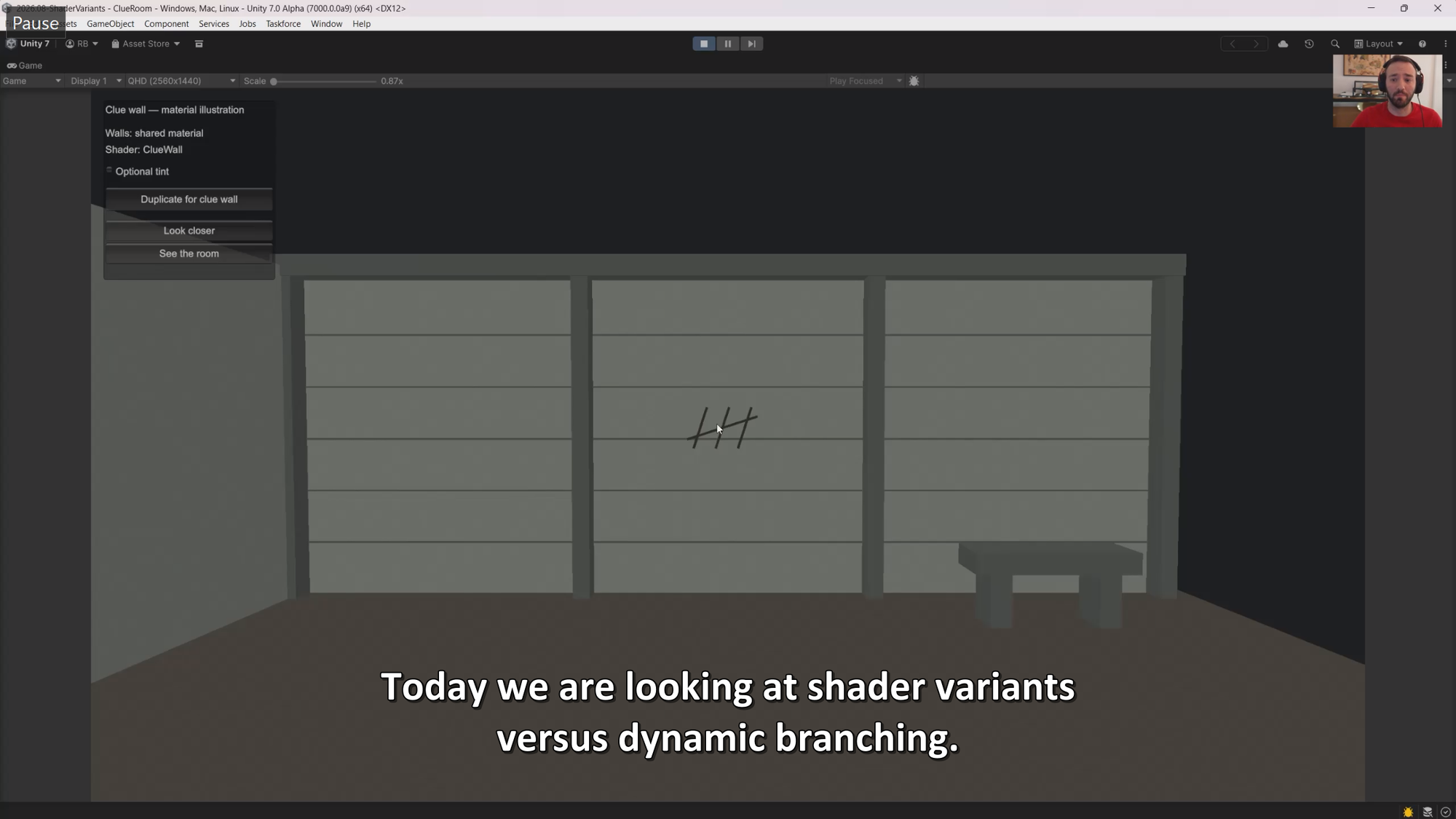
Start with one keyword set. Does the game need both states? If not, remove the unused option. If it does, check how the source expresses the condition. An #ifdef controls which source reaches compilation; the ordinary if used in this lab can express a runtime choice. After changing policy, compare the same feature state. If the image changes, stop and trace that before measuring.
Do not pick a policy by variant count alone. Fewer combinations can reduce packed shader bytes, but that does not prove a faster build or a faster game. Check visual correctness, the cost you actually recover, and GPU time on the hardware your players use.
CEO/Producer translation: a smaller build metric only matters when it fixes a real delivery cost. It does not justify a repeatable runtime regression.
Paid members can follow the complete step-by-step module below. It maps the source keyword to Unity’s override, preserves all feature states, validates the images, reads the build report, and compares GPU frame timings. The measured result is specific to this lab; the workflow is what you can take back to your project.