
Unity Draw Call Batching: The Ultimate Guide (2026 Update)
Learn how to reduce Unity draw calls and SetPasses with batching, material sharing, static batching, GPU instancing, and mesh combining.

Consulting and practical training across CPU, GPU, Memory, and production workflows. Get weekly performance insights and free resources.


Learn how to reduce Unity draw calls and SetPasses with batching, material sharing, static batching, GPU instancing, and mesh combining.
A single thing has killed the GPU performance of thousands of mobile games: the famous Unity Overdraw. Do you know what overdraw is doing to you?
Shader variants can shrink a build without improving runtime. This Unity lab compares variant, hybrid and dynamic-branch policies while preserving appearance, then checks build payload and GPU frame time.
Unity CLI gives coding agents one lightweight frontend for the Editor instead of loading a giant MCP toolset into every turn. This module shows the skills-first setup and how Pi can build, run, inspect, and fix a Unity feature through the CLI.

PSOs are why shader hitches become much harder to control on DirectX 12, Vulkan, and Metal. Learn how to find them and move the work out of gameplay.
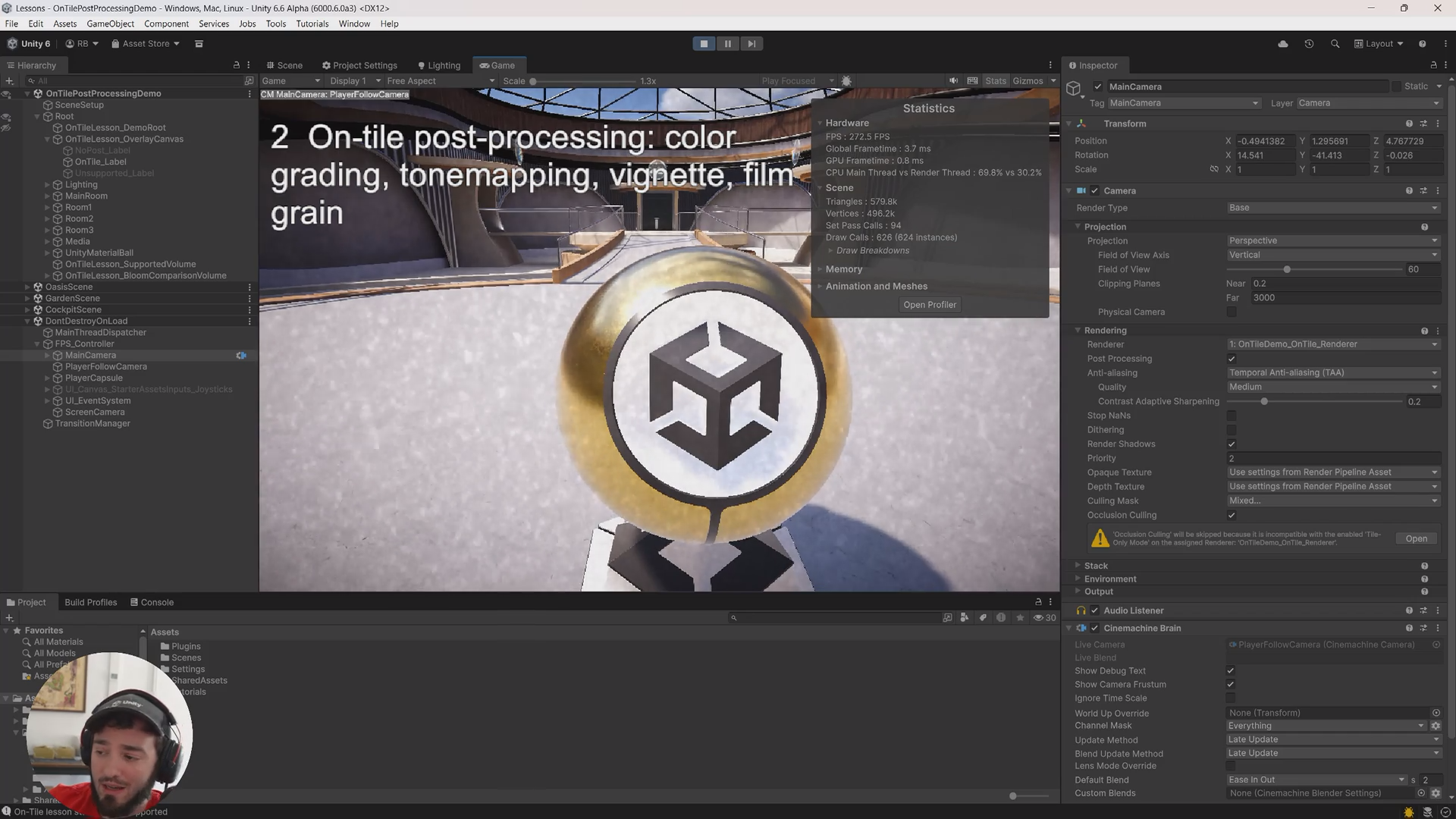
Unity 6.5's GraphicsStateCollection cache miss collection helps with DX12, Vulkan, and Metal stutters. But it does not replace a real trace strategy.


