
Unity Draw Call Batching: The Ultimate Guide (2026 Update)
Learn how to reduce Unity draw calls and SetPasses with batching, material sharing, static batching, GPU instancing, and mesh combining.

Practical articles on CPU, GPU, memory and engineering process optimization.
Learn how to reduce Unity draw calls and SetPasses with batching, material sharing, static batching, GPU instancing, and mesh combining.
A single thing has killed the GPU performance of thousands of mobile games: the famous Unity Overdraw. Do you know what overdraw is doing to you?
Unity CLI gives coding agents one lightweight frontend for the Editor instead of loading a giant MCP toolset into every turn. This module shows the skills-first setup and how Pi can build, run, inspect, and fix a Unity feature through the CLI.

PSOs are why shader hitches become much harder to control on DirectX 12, Vulkan, and Metal. Learn how to find them and move the work out of gameplay.
Unity 6.5's GraphicsStateCollection cache miss collection helps with DX12, Vulkan, and Metal stutters. But it does not replace a real trace strategy.

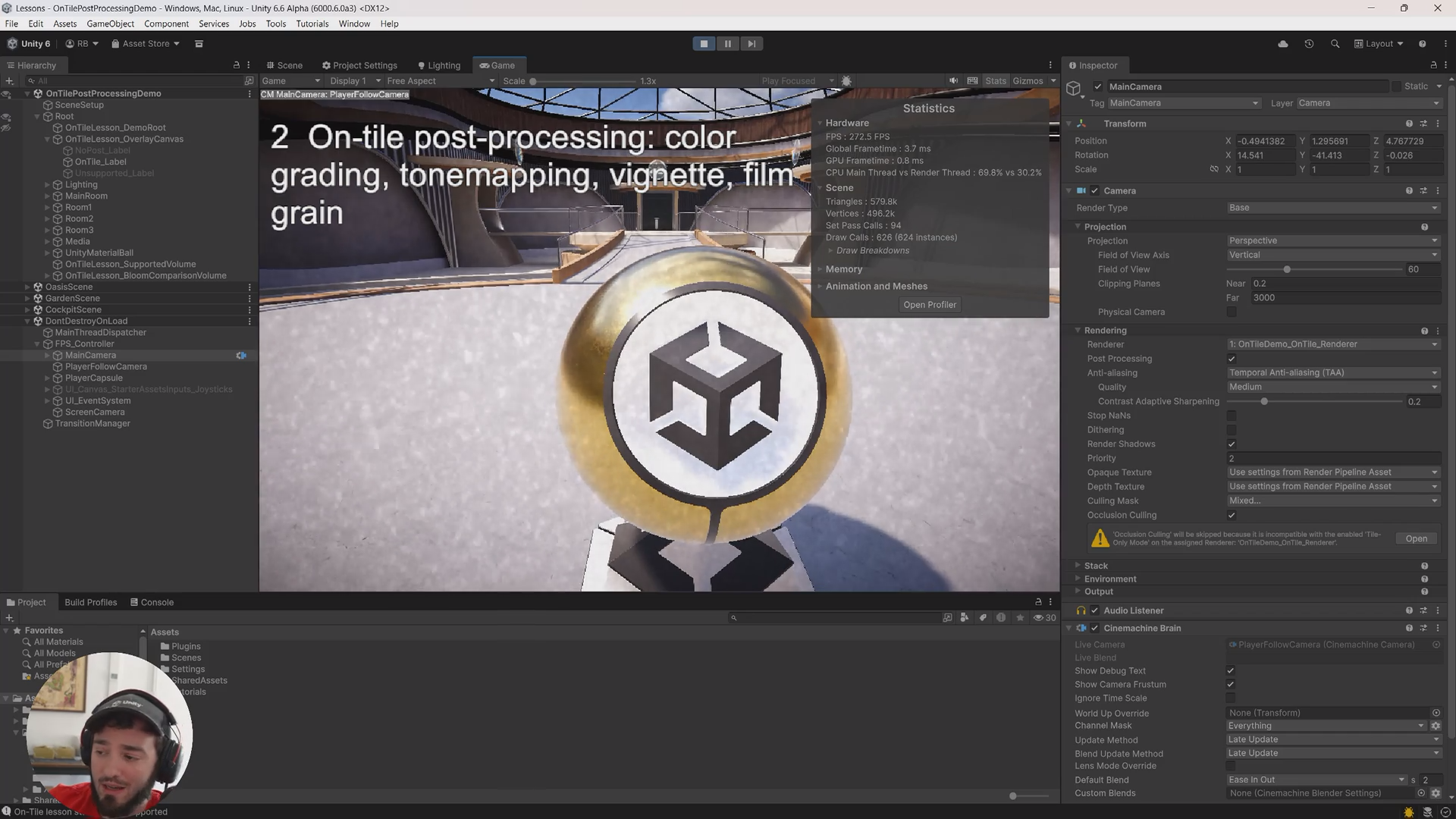
Unity 6.3's On-Tile Post-Processing can keep supported URP effects on the tile path. The catch: you still need to prove it in the render graph, not trust the checkbox.
I saw a discussion recently saying: "the best engine is the one you know best" Look: I kinda agree. But only on the short term.
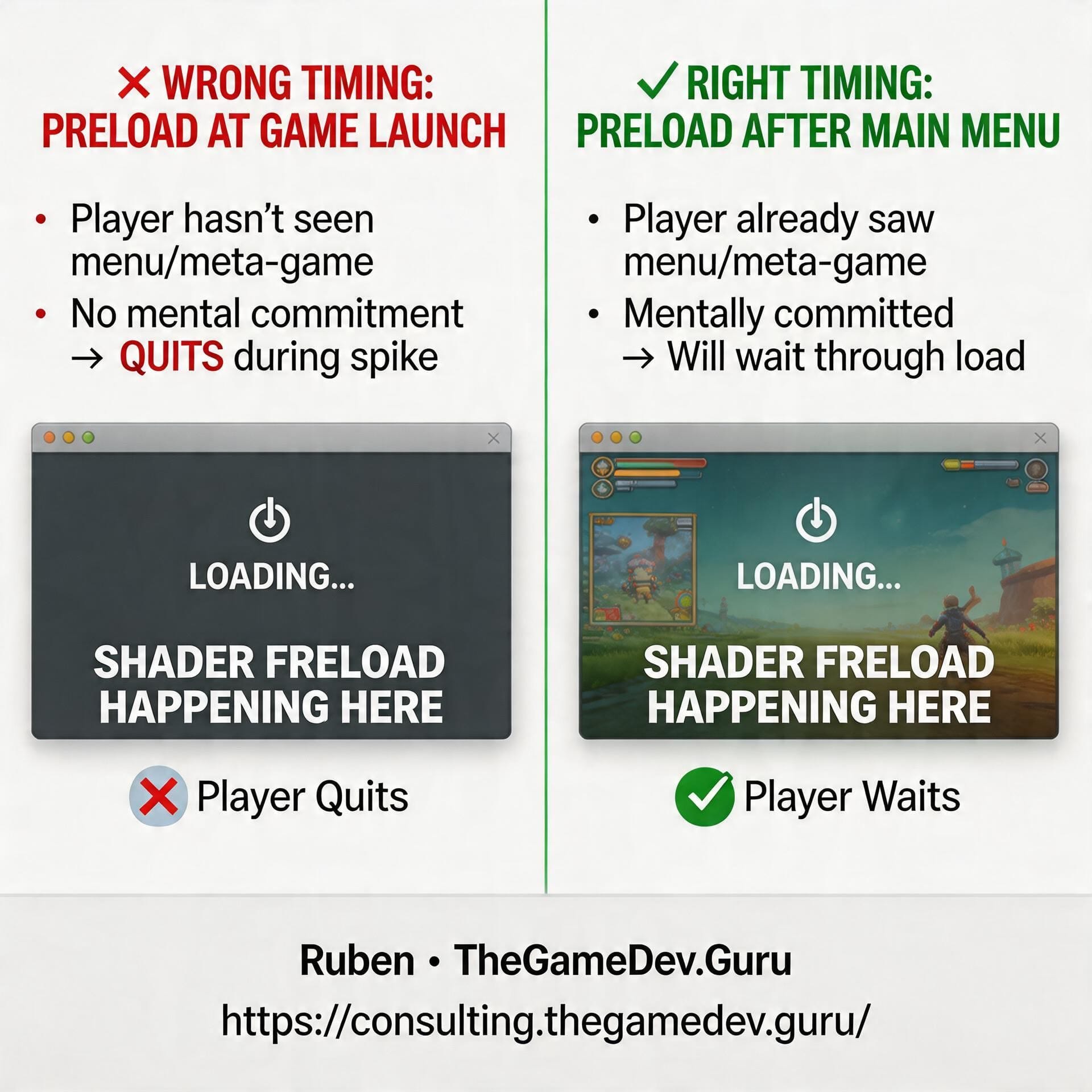
In one of my latest performance consulting reports, my client was letting Unity preload shaders. Really good move. Because that’s exactly the kind of thing that prevents

Use your existing hardware as a proxy for low-end devices by choking CPU or GPU limits instead of buying test hardware you'll only use once.
You can already make your coding agent profile your game. You can make it optimize code. You can even make it drive parts of the Unity Editor. Nice.
Before you ship your next launch or update, check these 3 things: 1. forget about average FPS: are your 1% lows holding 60 FPS (or whatever your target

Whether you like it or not, AI is here to stay. And it's not just here.. it's getting stronger. Exponentially stronger. It's becoming the baseline.

This is triggering some people. Like a lot. Devs either hate it, or love it. Almost never a middle ground. After all, gamedev is a passionate field. Maybe

Your personal dev agent can already read code. It can profile. It can even fix things. But if it still goes blind the moment the real answer lives