
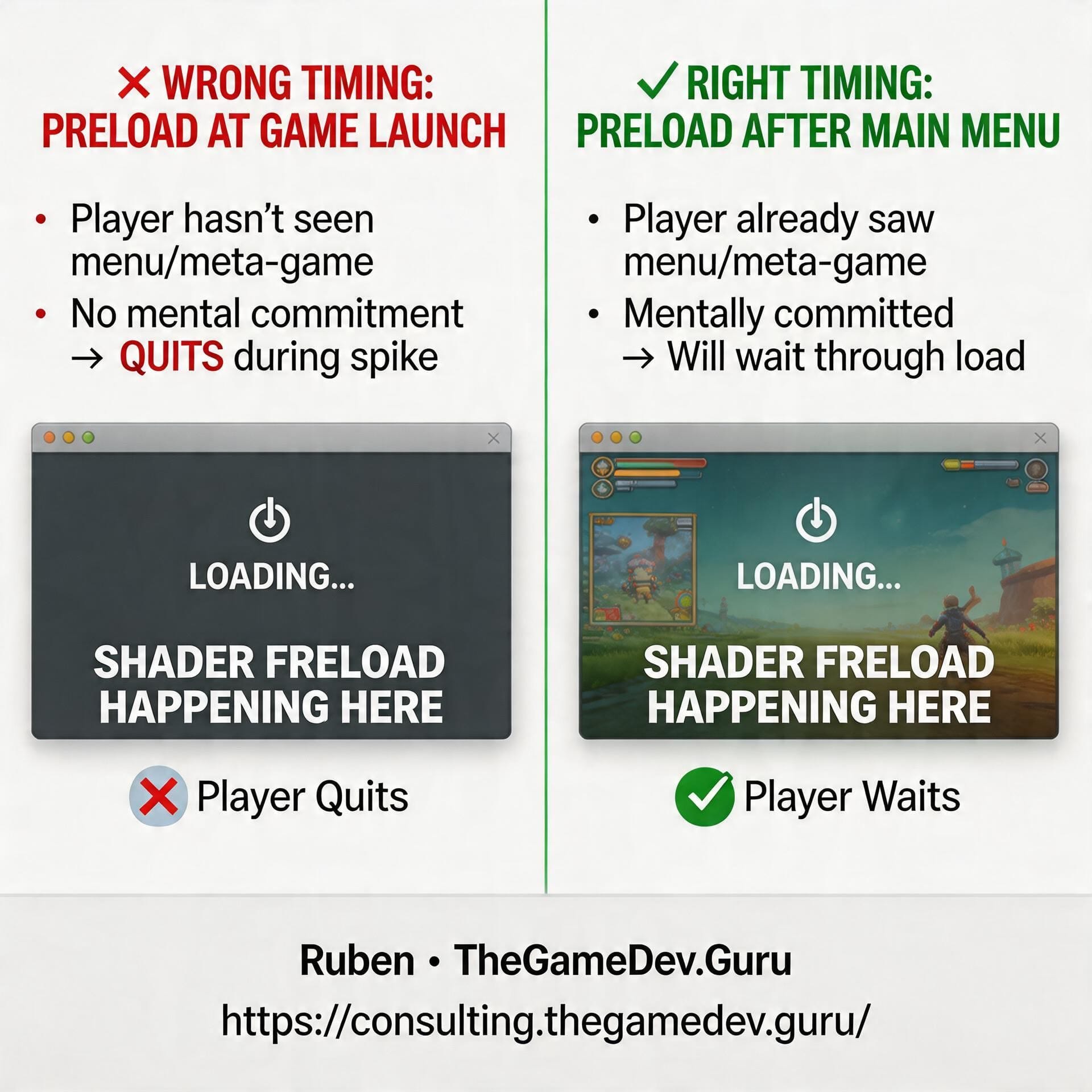
In one of my latest performance consulting reports, my client was letting Unity preload shaders.
Really good move.
Because that’s exactly the kind of thing that prevents ugly in-game spikes later that ruin the experience.
But here’s the catch:
If you let Unity decide when to do it, the preload often happens at game launch.
And that’s usually the worst possible moment.
Why?
Because at launch, the new player hasn’t bought into the game yet:
- They haven’t seen the menu (fundamental)
- They haven’t seen a glimpse of the so important meta-game.
- They haven’t experienced a demo of the game that is to come a few clicks away.
In other words: they haven't mentally committed to your game yet.
So if you force a hitch there, you’re spending your first impression budget on multi-second spikes.
Not the best trade.
A better option: move that preload cost to a loading screen after the main menu.
By then, the player has already experienced part of the meta-game. They’ve already had a moment to get interested. And they’re much less likely to quit because of waiting too much, too early.
Same cost... better timing.
Better retention.
And in performance work, timing is often the difference between:
- a smooth launch
- and a game that puts off a % of players before it even finishes launching
So even at the same performance cost, never ignore timing. That’s where the real wins are.
Want my help spotting the spikes in your project and moving them to moments your players won't notice? Apply here:
https://consulting.thegamedev.guru/
Ruben (TheGameDev.Guru)