
When GPU fragment cost starts choking your frame time, turning down random quality settings is not a plan. You need a controlled way to give the GPU breathing room without shipping a blurry mess.
Dynamic resolution is that move. Instead of hard-dropping the display resolution and making players hate you, you reduce the render resolution on the fly, frame to frame, so the GPU survives the expensive moments while the experience stays playable.
The proof is right there: in the lesson demo, a scene sitting around 15 FPS jumps to above 40 FPS once the screen percentage is driven down correctly.
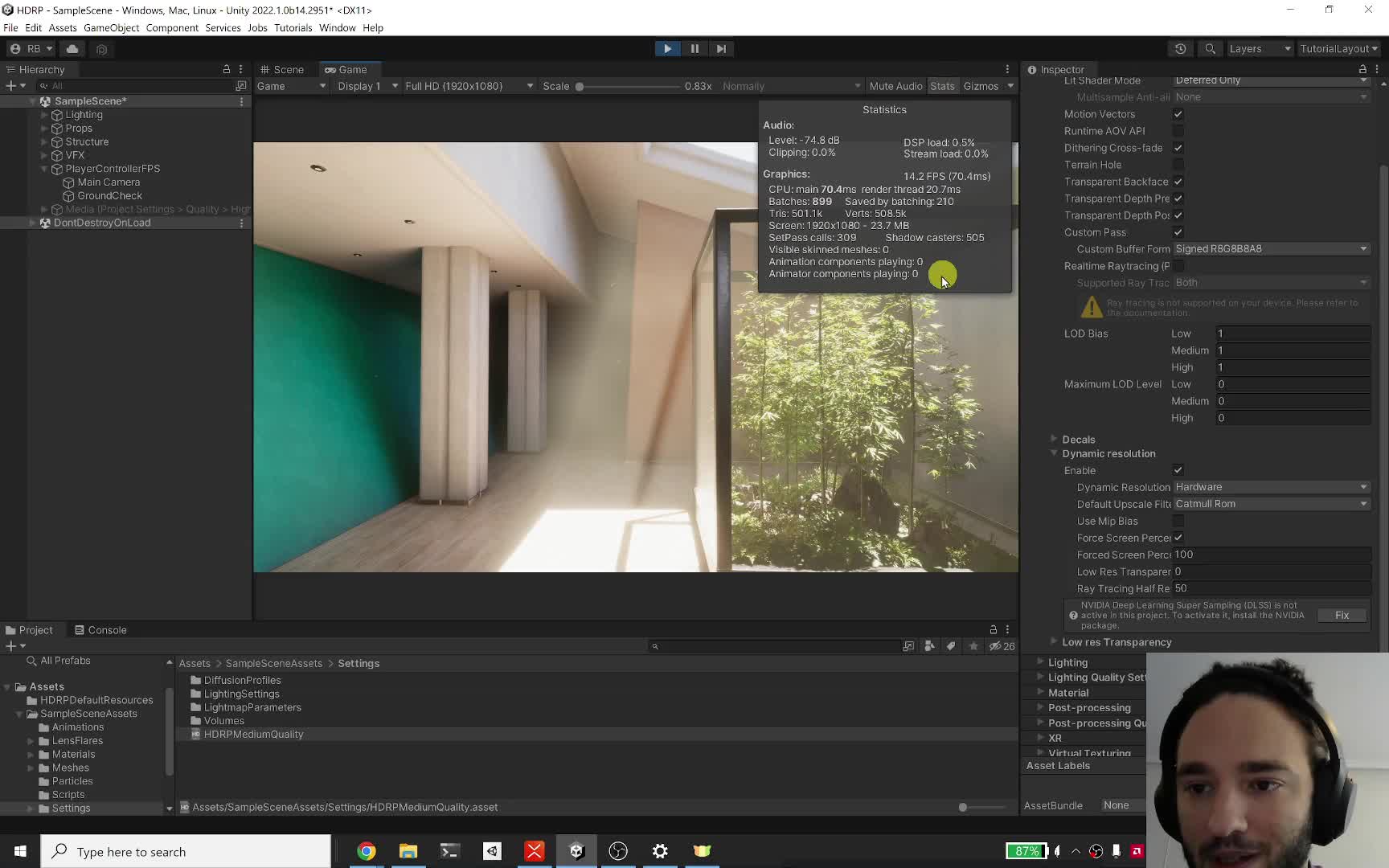
Start here: enable Allow Dynamic Resolution on the camera, enable Dynamic Resolution in the render pipeline asset, and only then drive the screen percentage manually or through the API. If your target does not support the right modern APIs such as DirectX 12, Vulkan, or Metal, do not assume this path is worth your time.
Check this next: compare the same scene under the same conditions with the Frame Debugger, then test the upscale filter you actually want to ship. Catmull-Rom and CAS are easy, but TAA Upscale, FSR, and DLSS change the quality/performance trade differently, especially once post-processing enters the picture.
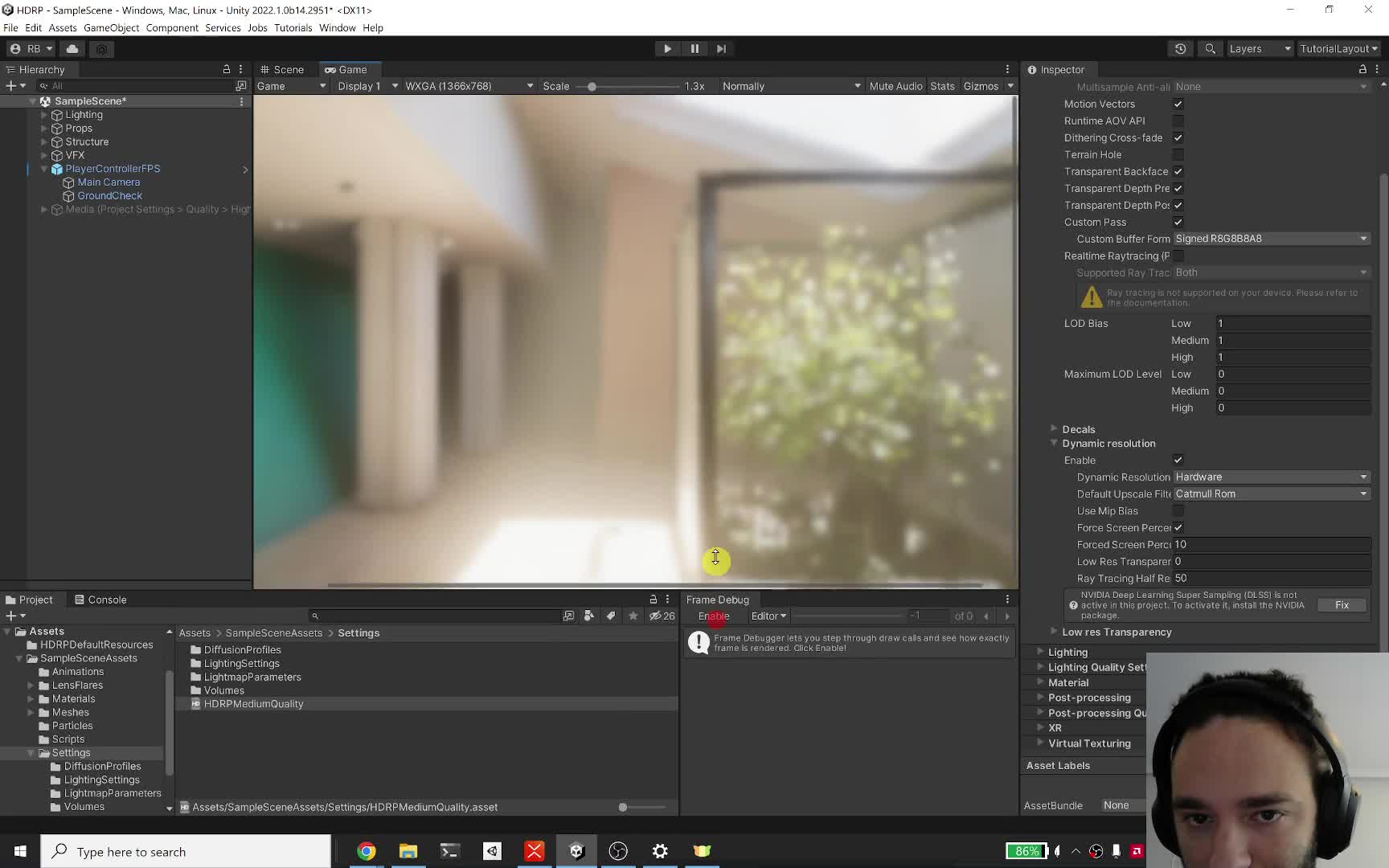
Do not enable this blindly. First answer two questions: are you actually GPU-bound, and do your target devices support the path you want? If the bottleneck is elsewhere, or if you ignore artifact risk on UI, bloom, transparencies, or unsupported hardware, you are just moving the problem around.
CEO/Producer translation: this is how you stop one bad scene from blowing your frame budget while keeping visual targets intact on weaker hardware.
What follows is the complete members-only module: the full step-by-step playbook for dynamic resolution, Catmull-Rom vs CAS vs TAAU vs FSR vs DLSS, the post-processing tradeoffs, the hardware support traps, the RSR niche, and the exercises that tell you whether this is a real win for your game.
In this module:
- 1. Dynamic Resolution
- 2. Upscaling: Catmull, CAS, FSR, TAAU
- 3. Upscaling: DLSS
- 4. Exercises & Mindmap
- 5. RSR
- 6. Q&A
Join to unlock the full module, audio, and resources.