

Static batching is one of those Unity features everybody toggles and almost nobody really understands. That is how teams end up with high draw calls, broken assumptions, and a memory bill they only notice when the project is already on fire.
The brutal reality check: something being static does not automatically mean it should use static batching. Forests, repeated props, and modular environments can push you into the wrong trade fast. This module explains what Unity is actually building under the hood, and why that decides whether static batching or GPU instancing is the smarter move.
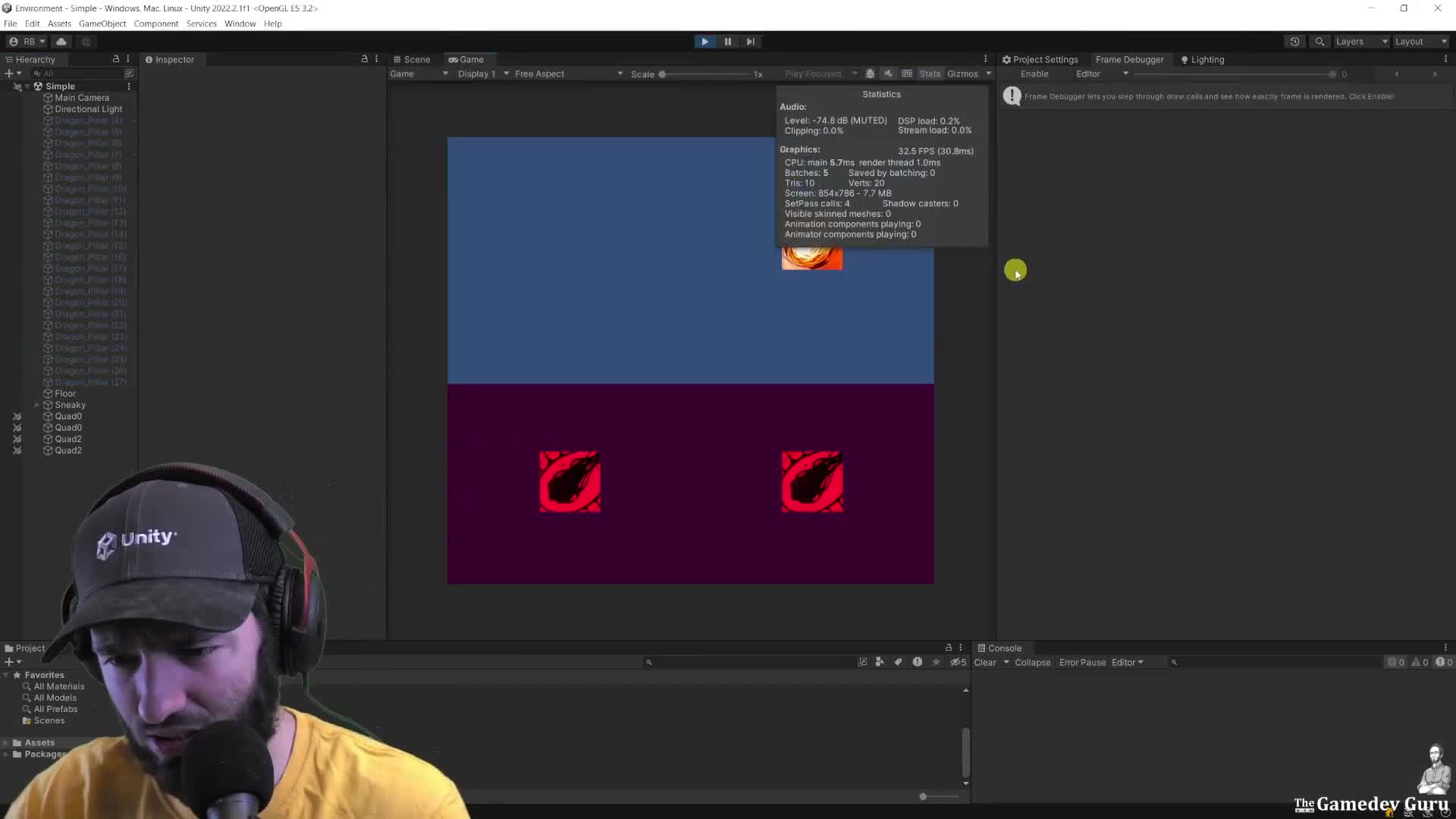
Start here: open one representative scene, hit Play, and check the Stats panel plus Frame Debugger. If batching saved zero, or your grouped objects still split into separate draws, do not guess. Check materials, object activation, and whether somebody is touching those renderers around Awake/Start.
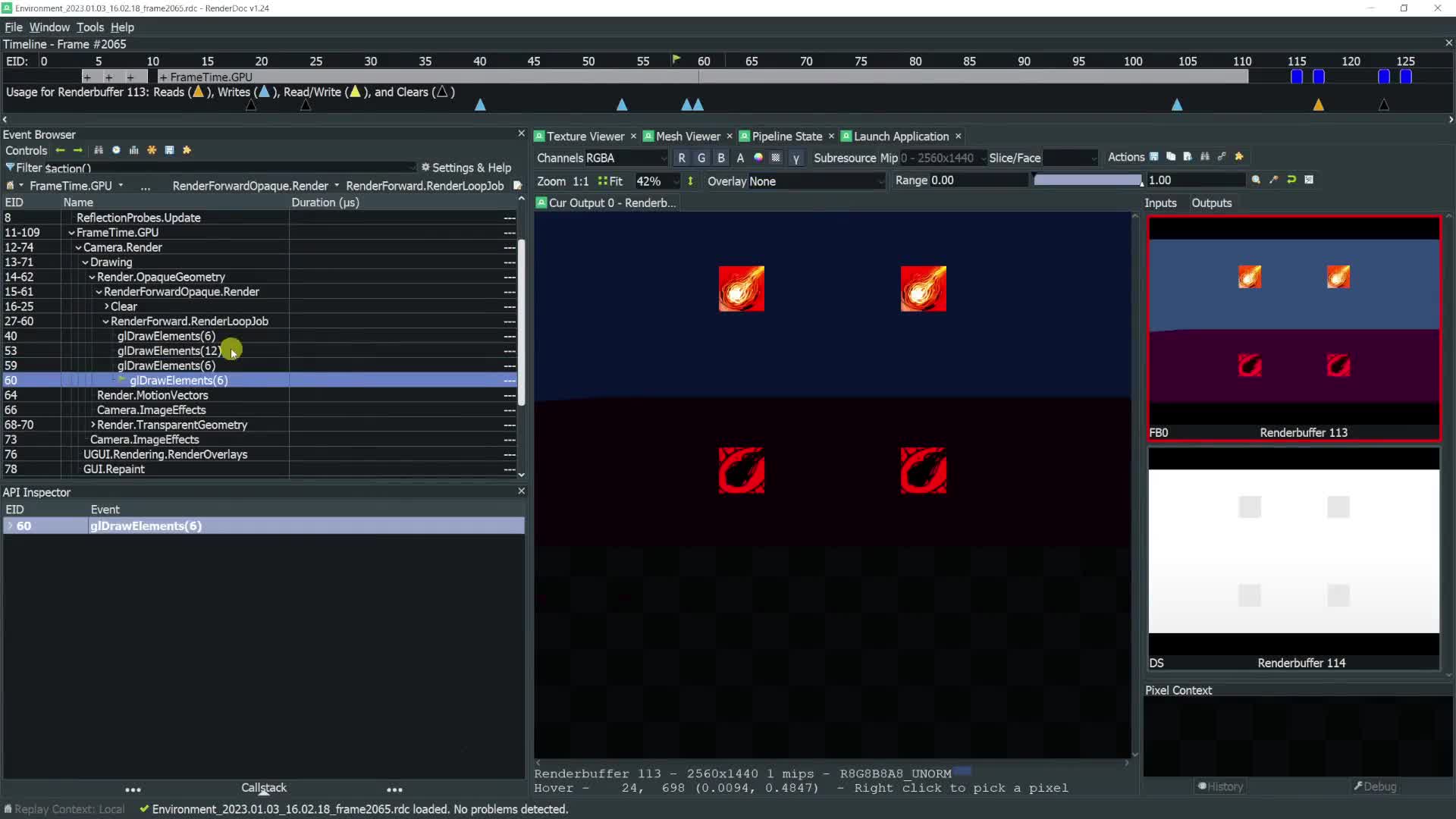
First debug pass: capture a frame in RenderDoc. Look at the draw sequence, the shared buffers, and whether Unity is doing one draw or several very cheap draws with the same GPU state. That is the difference between “batching failed” and “batching is working exactly as designed.”
CEO/Producer translation: this is how you stop wasting engineering time on the wrong rendering fix and avoid shipping scenes that look optimized on paper while still paying the wrong CPU and memory cost.
This is a small preview. The members-only module is the full step-by-step playbook: the low-level buffer mechanics, the Awake/Start failure mode, the RenderDoc inspection workflow, the Solasta case study, and the exercises to audit your own project.
In this module:
- 1. Intro to Static Batching & Why the Hell
- 2. Static Batching Like You Never Saw (Low Level!)
- 3. Case Study: Solasta
- 4. Exercises
Join to unlock the full module, audio, and resources.