
Look. You can fix geometry batching, combine meshes, and still lose the win the moment one bench, prop, or character uses a different material state. That is the brutal rule here: different materials mean different draw calls. No batching magic will save you from that.
This module shows the escape hatch. If the difference is just a color, vector, or similar property, you do not need to clone materials blindly. You can push that difference through vertex attributes or additional vertex streams and keep one shared material alive.
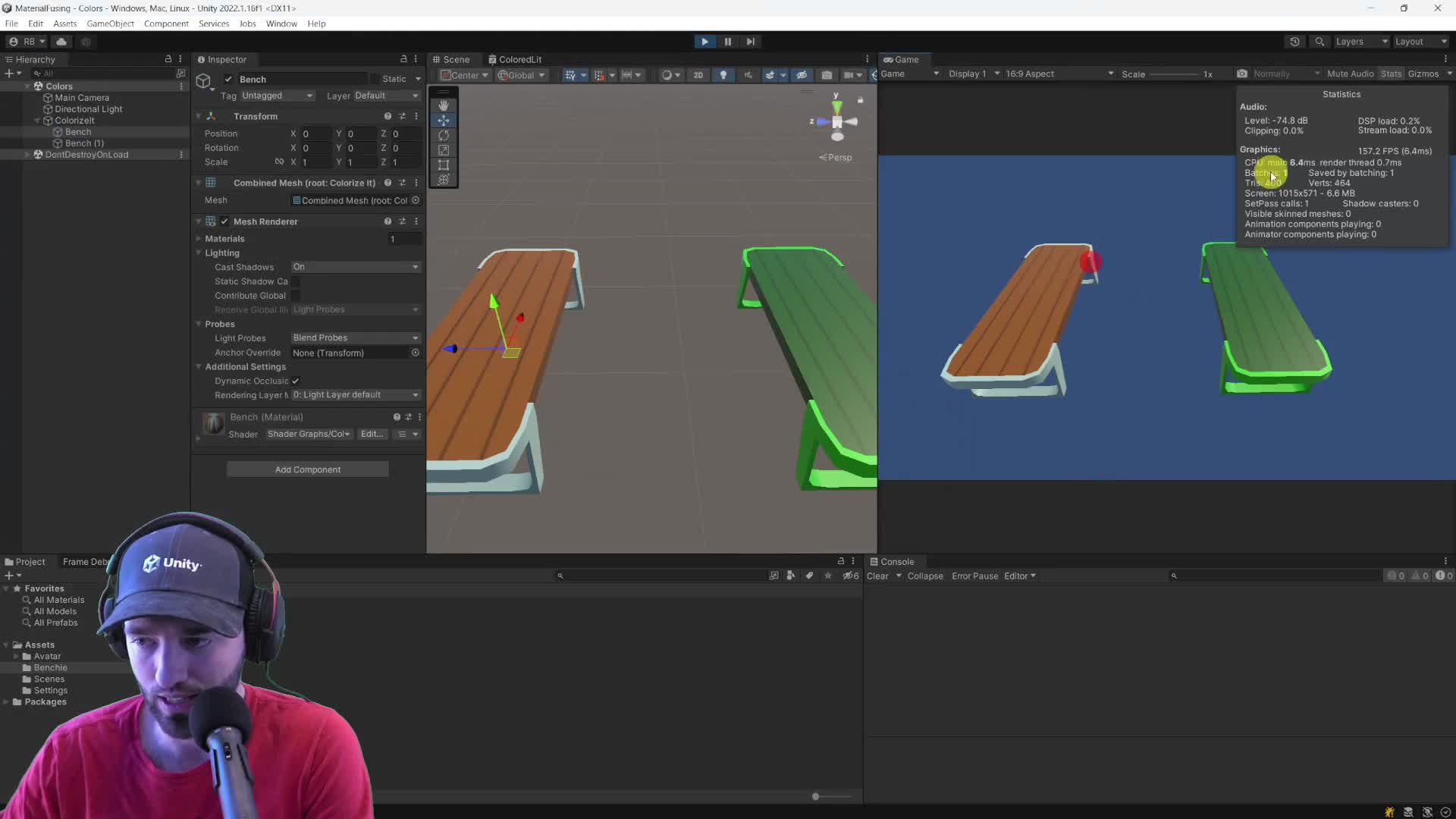
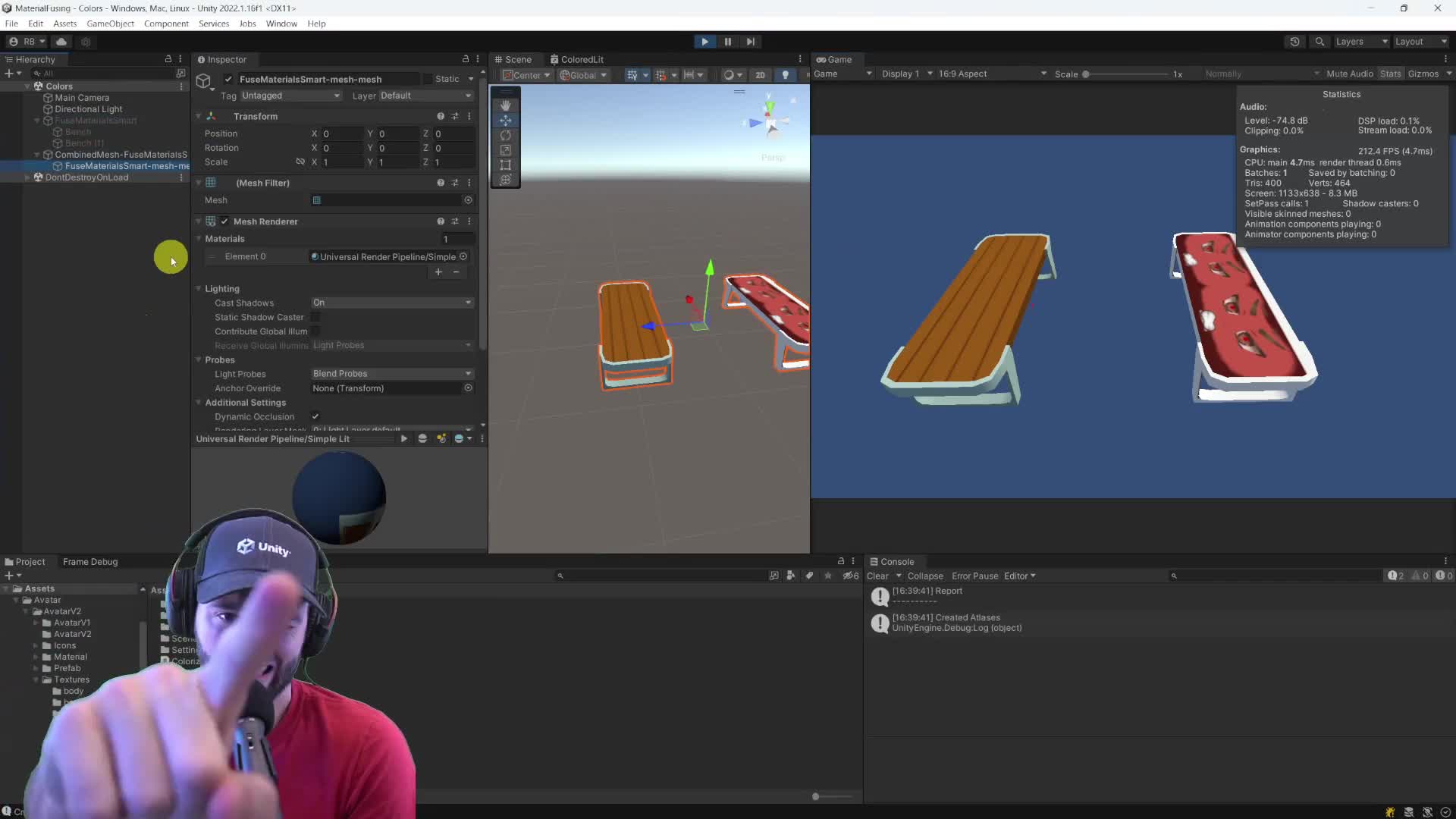
Start here: take a tiny scene with two objects that should batch but do not. Fuse the material differences first. Then compare the result before and after. The proof you want is simple: two batches down to one. If you cannot prove that in the capture, you are still paying the cost.
Once textures enter the party, the job gets nastier. Now you need texture atlasing: one container texture, new UVs, then the swap to the atlas material. That is where most teams either waste a week doing it manually or ship something half-broken.
Reality check: this is not free. Extra vertex data increases mesh memory, and texture atlasing comes with UV rewrite work plus wrap/repeat gotchas. Also, do this in editor time whenever you can. Doing it at runtime is the exception, not the plan.
CEO/Producer translation: this is how you stop a content-heavy scene from quietly bleeding draw calls just because artists needed a few visual variations.
The members-only module is the full playbook: the manual material-fusing route, the full texture-atlas pipeline, the UV update logic, the repeat-mode gotchas, and the faster Mesh Baker path when you want the win without rebuilding the wheel.
In this module:
Join to unlock the full module, audio, and resources.