
Manual builds are a delivery tax. You hit Ctrl+B, then your machine is blocked for 5, 10, maybe 20 minutes, your flow is dead, and the team still does not have a fresh build to test. That is not a developer inconvenience. That is process debt.
This is where build pipelines stop being "nice to have". In this module, Ruben shows the combo he uses most of the time: GitLab + GitLab CI + Docker + Game CI, running on a Linux VPS so builds keep moving even when your local machine, your internet, or your patience does not.
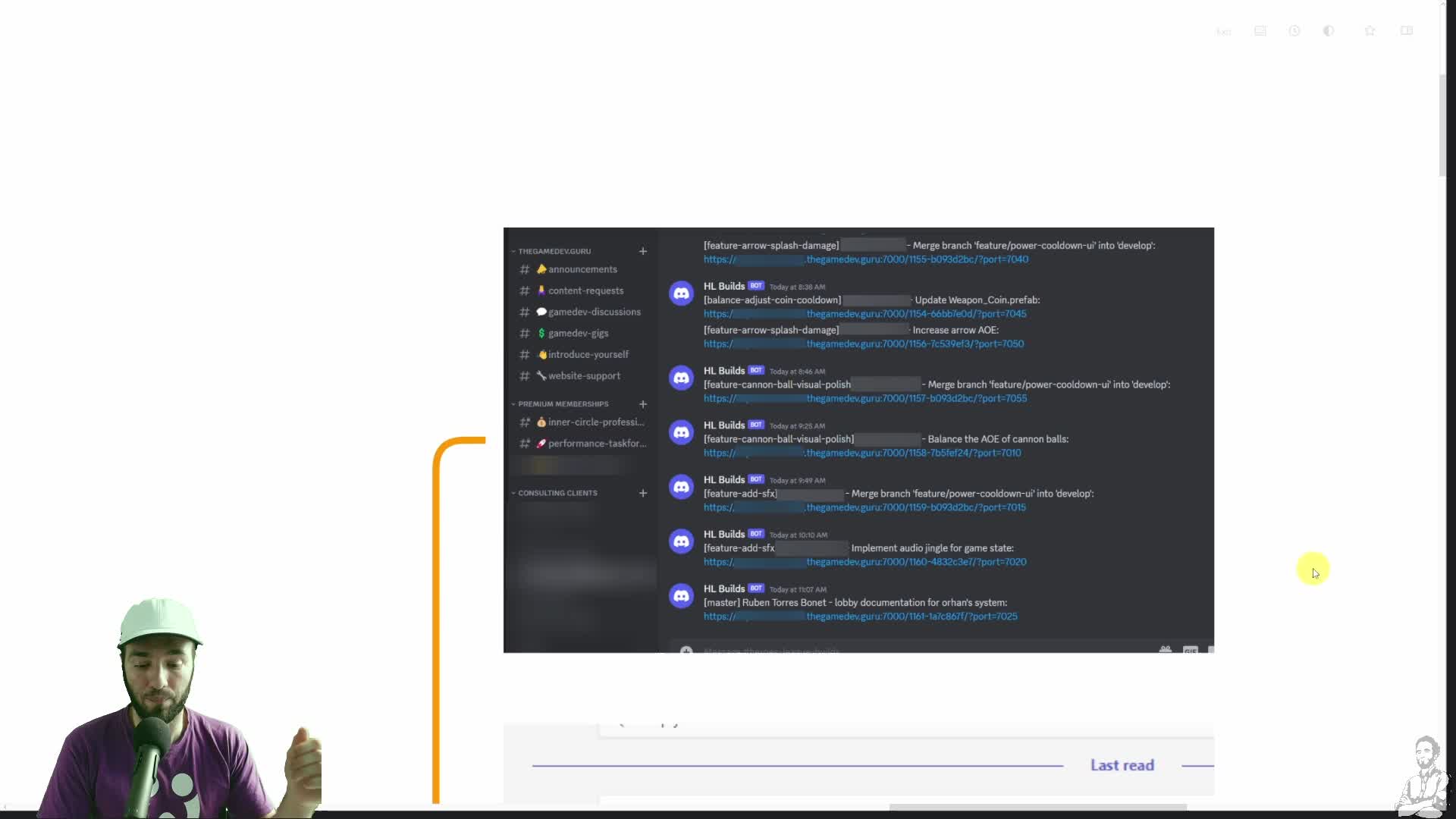
The proof is practical. One commit can trigger a new build, post the URL to Discord, and later grow into automated performance reporting or server deployment. That is the difference between "we should test more often" and actually having a fresh build archive people can use.
Start here: if you want the first version without drowning in infrastructure, create one GitLab repo, use your own runner, and put it on a Linux VPS. The module is explicit about the baseline: Linux works better than Windows for this, 4 GB RAM is the floor, 8 GB is the safer starting point, and time is usually more expensive than the extra VPS cost.
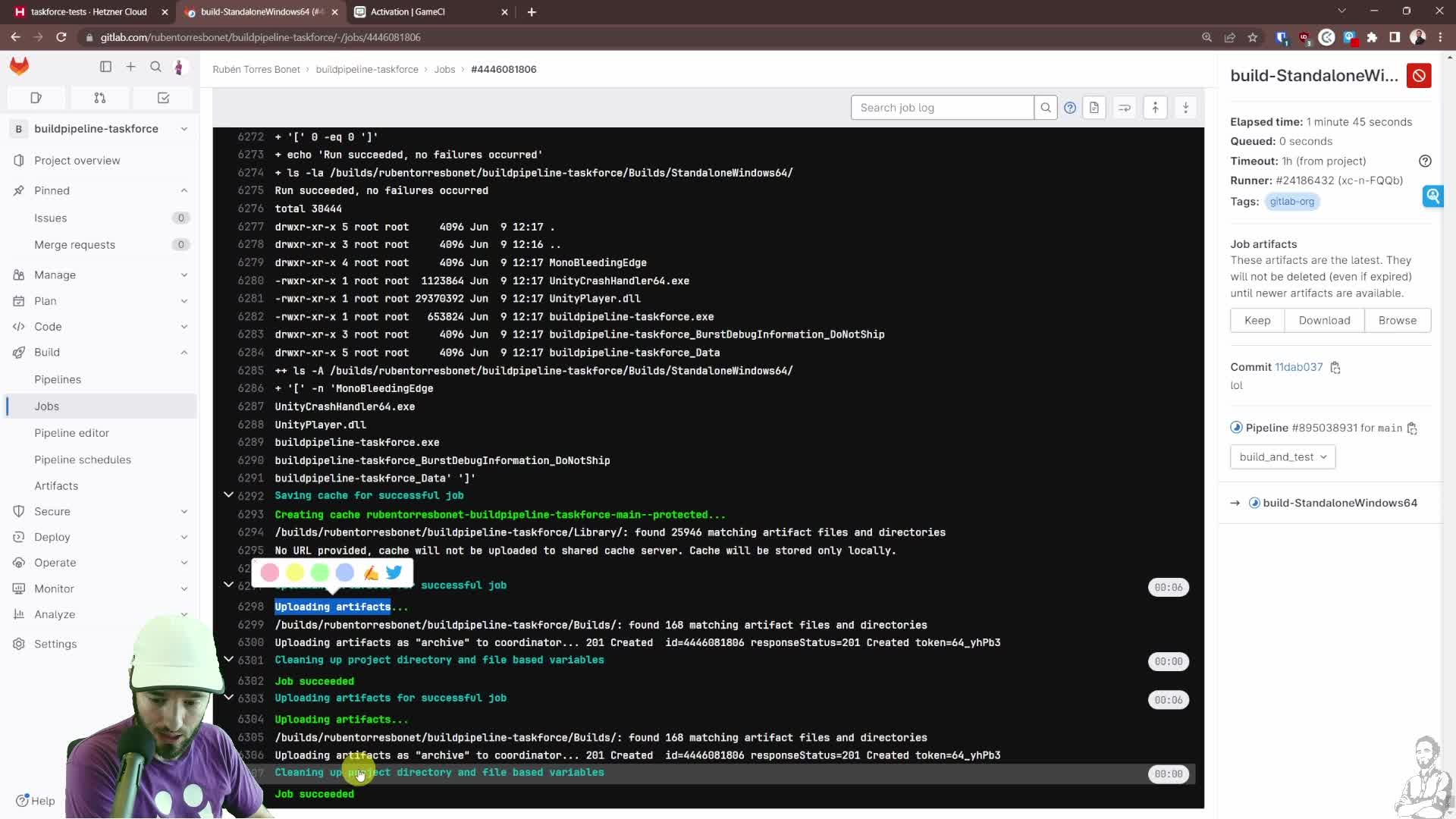
Check this first: run the pipeline manually once and watch the early stages do the boring but critical work: Unity version detection, activation, build, cache, artifact upload. If that path works once, you are no longer guessing.
Full disclaimer: do not enable this blindly and expect magic on day one. Unity licensing, runner config, Docker images, cache behavior, and artifact storage still have teeth. That is exactly why the members-only module matters: it is the full step-by-step playbook, not just the teaser.
CEO/Producer translation: faster build feedback means more testing, fewer blocked developers, easier A/B comparisons, and less release-week chaos.
Unlock the full members-only module and set up a build pipeline that the team will actually use. Join the membership to get the full module, audio, and resources.
In this module:
- 1. What You'll Be Doing & Learning Today
- 2. High-Performance VPS Setup
- 3. Hiring the Director: Gitlab CI + Build Runner
- 4. Hiring the Manager: Build Pipeline
- 5. Check out my Automations (Bonus)
Join to unlock the full module, audio, and resources.