
Compute Shaders are not your first move. They are the move you make when the CPU is still the bottleneck after the normal passes, the workload is massively parallel, and you are tired of paying CPU time for work the GPU can chew through faster.
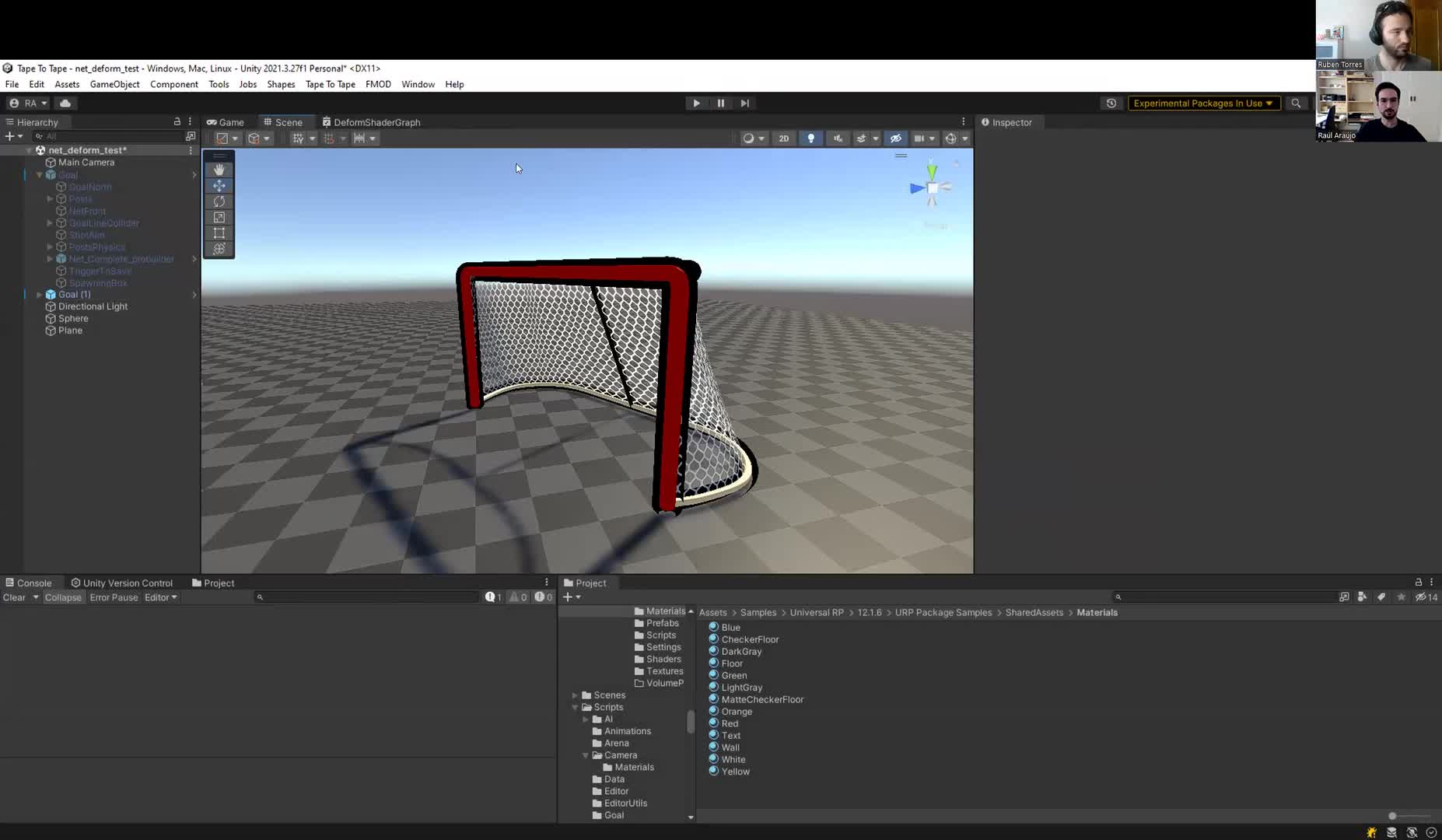
The proof here is not theory. One real client case used a compute path to drive the hockey-goal deformation and related juice in Tape to Tape. That is the kind of situation where this tool becomes useful: lots of similar calculations, strong visual payoff, and a problem that fits GPU-style parallelism.
Start here: do not throw random code at the GPU. First check whether the problem actually fits SIMD-style work, whether your target supports compute at all through APIs like DX11+, Vulkan, Metal, or OpenGL ES 3.1+, and whether `SystemInfo.supportsComputeShaders` says yes. Then prototype one narrow path and compare it against your current CPU or Job System version.
Reality check: writing a compute shader that works is not the hard part. Writing one that performs well is where it gets real. If you ignore GPU architecture, thread scheduling, memory layout, and synchronization, the code may still run while being 10x slower than it should be.
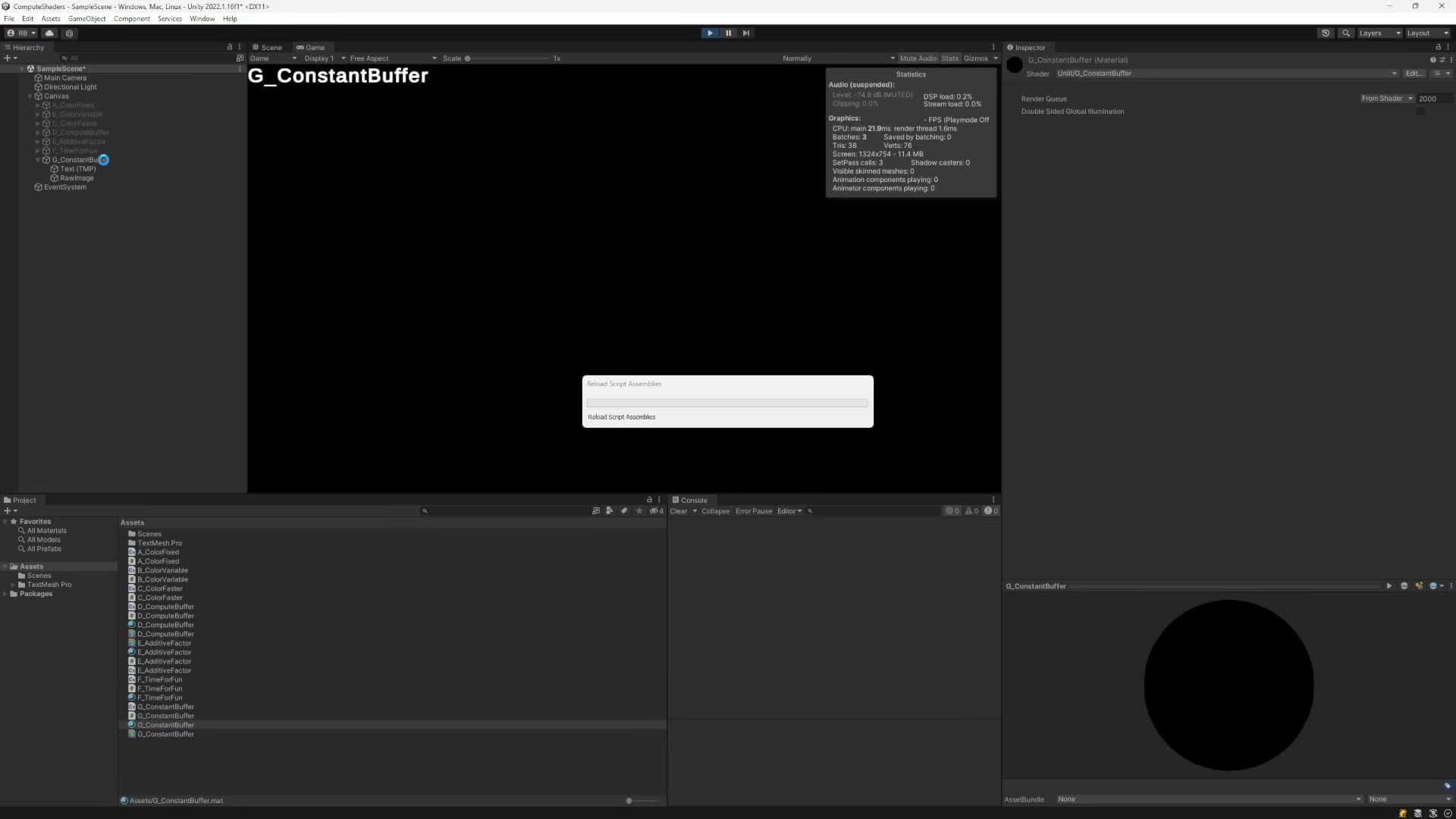
One practical example from the module: constant buffers can be faster because they sit in GPU constant registers, but that speed comes with tighter size and layout constraints. Good tool. Not free magic.
First validation step: if you need data back on the CPU, do not block the main thread blindly with sync readback and then blame compute shaders. Use the Async GPU Readback path when this goes into production, and keep an eye on the frame delay that comes with it.
CEO/Producer translation: this is how you stop wasting engineering time on the wrong processor. You keep simple CPU work on the CPU, you use Jobs/Burst when that is enough, and you move to the GPU only when the workload and the payoff justify it.
The members-only module is the full playbook: the Tape to Tape production breakdown, the actual compute-shader setup, dispatch and thread-group semantics, buffer choices, constant-buffer implementation details, and the sync/readback gotchas that decide whether this becomes a win or a mess.
In this module:
- 1. Behind the Scenes - Tape to Tape
- 4. Q&A
- 2. Compute Shaders - Main Lesson
- 3. Constant Buffers for Even Higher Performance
Join to unlock the full module, audio, and resources.