
Heat and battery drain are not cosmetic issues. They are a retention problem. Less playtime. Hotter devices. Worse reviews. Sometimes all while your FPS graph still looks fine.
This is the brutal part most teams ignore: on Android, a huge chunk of the power bill is on you. The module makes that explicit. CPU work, GPU work, memory traffic, screen brightness, wake locks. This is the difference between a game people keep installed and a game they only open near a charger.
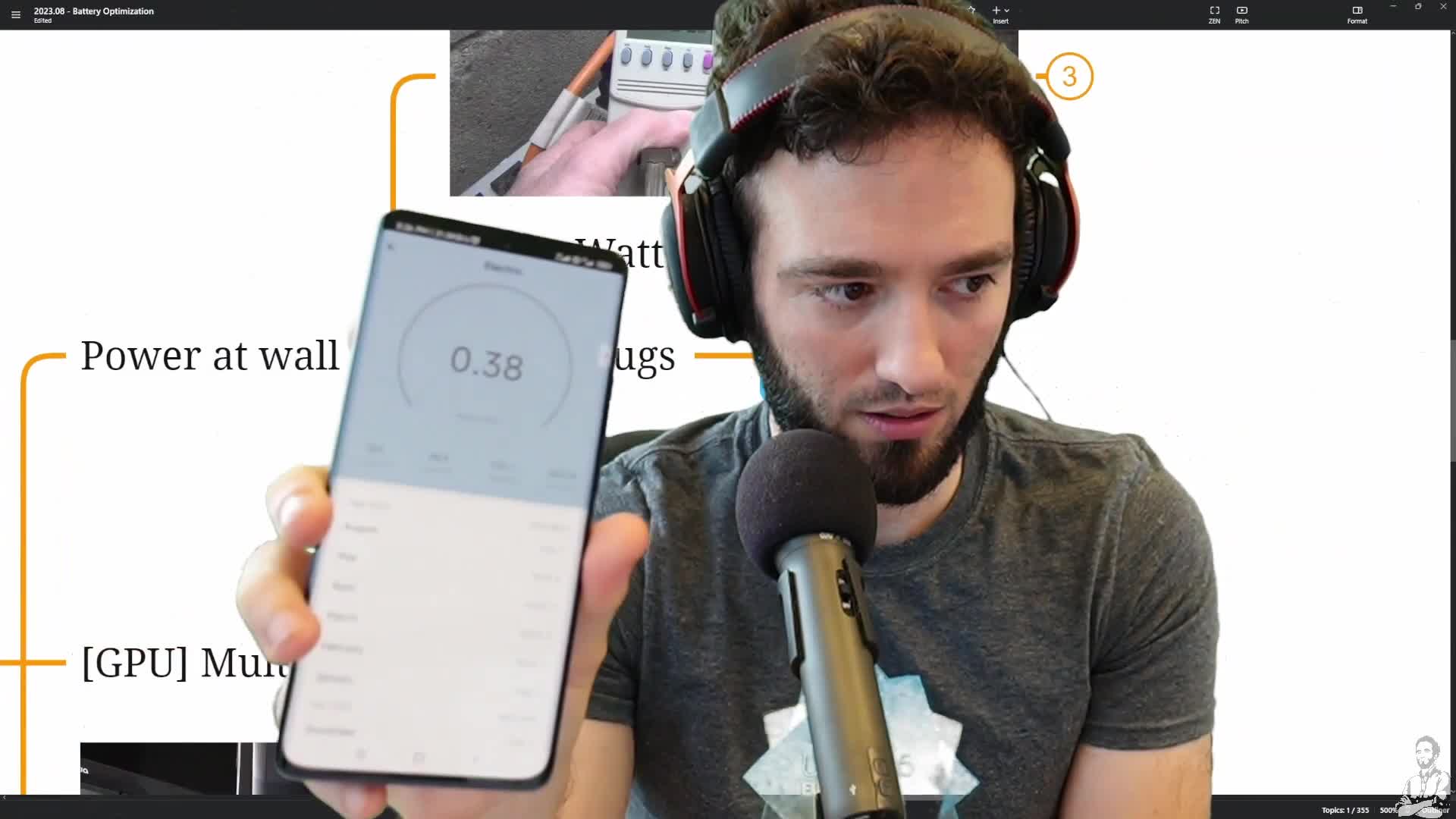
Start here: measure the power at the wall first. Use a smart plug or a kill-a-watt style device, get an idle baseline, then compare it against real gameplay. That gives you a fast sanity check before you disappear into profiler tabs and theory.
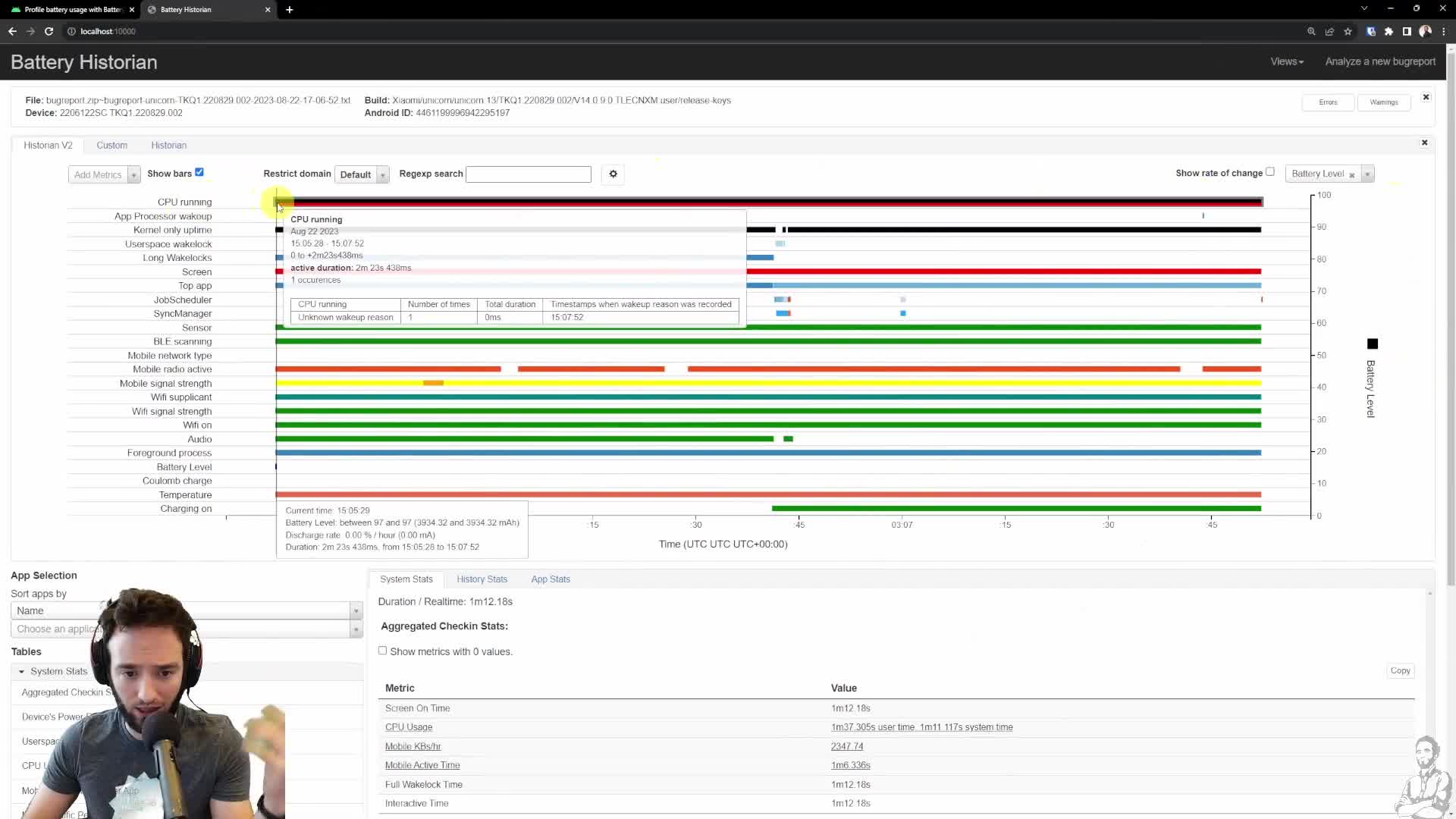
Then go one level deeper with Battery Historian. Connect through ADB, run the Docker container, reset battery stats, play a repeatable scenario, and inspect what is keeping the CPU awake. If the CPU bar is active the whole time, that is not “just Android being Android.” That is your game asking the device to stay busy.
First easy win in Unity: stop doing full-price work when the screen is effectively static. Lower Application.targetFrameRate on menus and cinematics. Use rendering on demand when the content barely changes. If your pause menu still burns watts like gameplay, that is not a technical limitation. That is waste.
CEO/Producer translation: better power behavior protects session length, reduces thermal throttling, and cuts the kind of reviews that say “nice game, but my phone turns into a toaster.”
What follows is the full members-only module: the chipset/power-management reality check, the measurement stack, the practical optimization levers, and the Battery Historian workflow end to end. Join the membership to unlock the full module, audio, and resources.
In this module:
- 1. Power Consumption: Basics
- 2. Power Consumption: Measuring & Optimization
- 3. Battery Historian: Quick Example
- 4. Q&A
Join to unlock the full module, audio, and resources.