
Decals are one of those features that make a scene look shipped instead of prototype. They also murder your rendering budget if you pick the wrong technique.
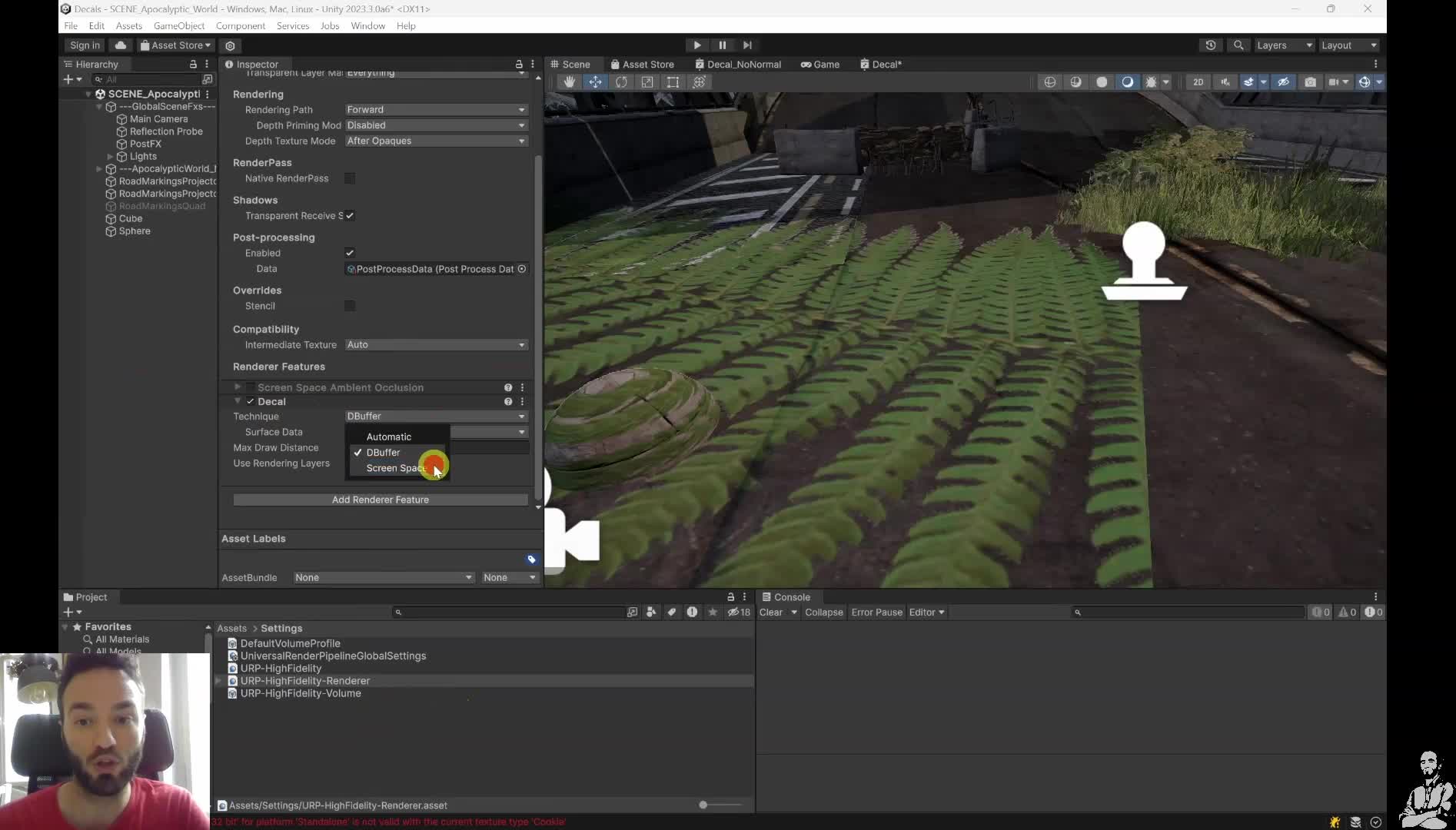
Brutal reality check: the old BIRP Projector works, but it does not scale. One projector may look harmless. Then a character, a stair, a prop, or a multiplayer pileup walks into that volume and your draw calls start multiplying. That is not a budget. That is gambling.
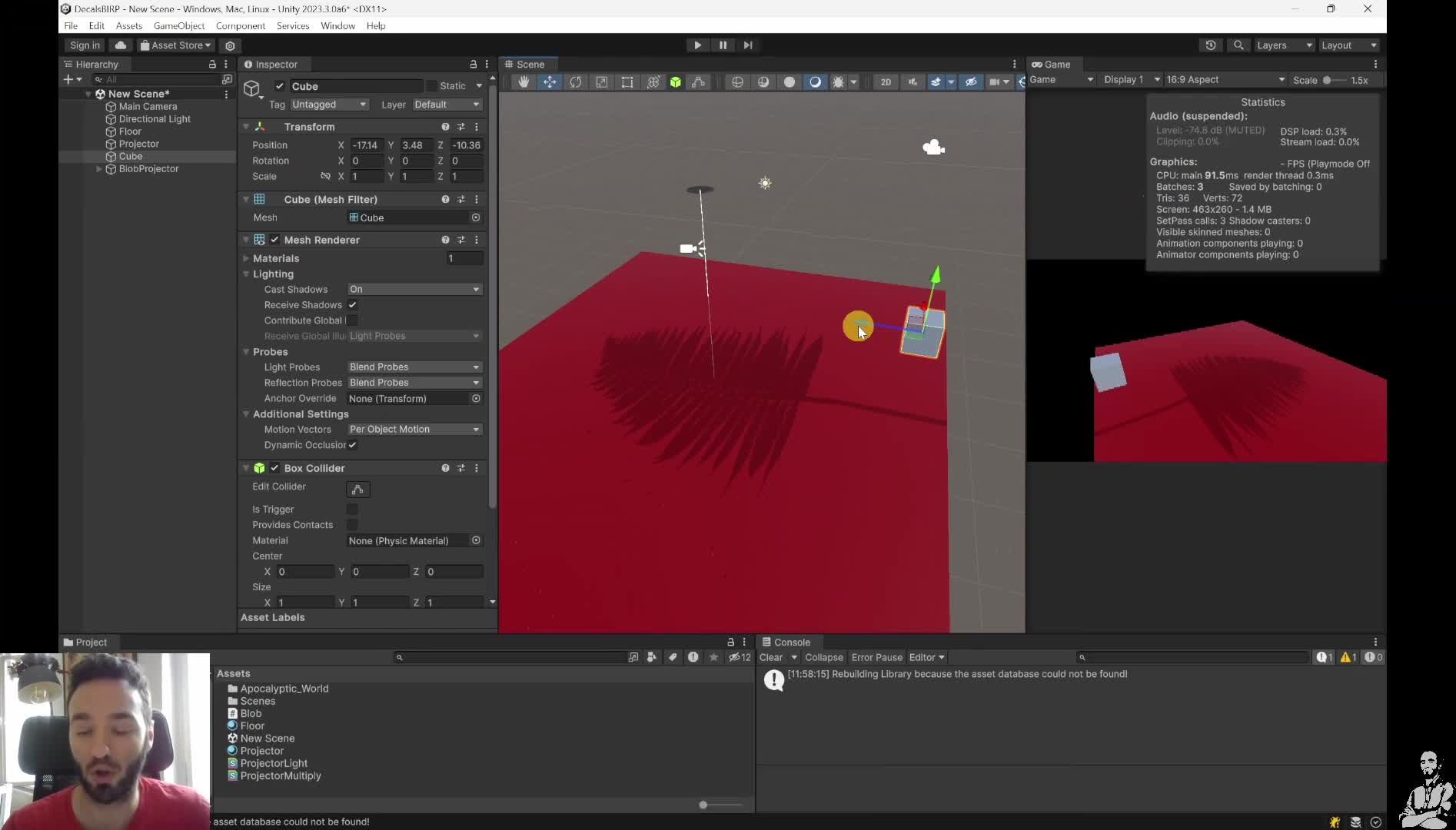
Start here: if you are in URP, compare DBuffer versus Screen Space. DBuffer is the best-looking, most flexible path. But on lower-end mobile, the extra depth and normals work can already make it the wrong trade. Screen Space is more limited, but the cost is more predictable because it comes down mostly to covered pixels and normal-blend samples.
One practical rule from this module: if you target mobile, test URP Screen Space first. Then reduce projection size, cap draw distance, and keep the visible decal count under control. If the decal will not move after generation, stop paying every frame and consider decal stamping instead: pay once, keep the result.
CEO/Producer translation: this is how you keep the scene juicy without shipping a visual feature that quietly scales into a rendering bottleneck.
The members-only module is the full step-by-step playbook: Projector vs blob/raycasting vs URP DBuffer vs URP Screen Space vs decal stamping, plus the debugging and tradeoff work for draw calls, memory bandwidth, mobile targets, and static-versus-dynamic use cases.
In this module:
- 1. Decals: Fast & Furious
- 2. BIRP Projector
- 3. Blob Raycasting
- 4. URP Decals: DBuffer Method
- 5. URP Decals: Screen-Space Method
- 6. Decal Stamping with Compute Shaders
- Q&A
Join to unlock the full module, audio, and resources.