
You know that VR black-edge smear you get when framerate tanks on Quest (loading spikes, streaming stalls, whatever)?
That is not a "nice-to-fix". That is a comfort tax players feel immediately.
XR composition layers are how you cheat that problem: you let the VR runtime composite extra layers (UI, video, vignette, skybox-ish content) instead of forcing Unity to render everything inside the eye buffer.
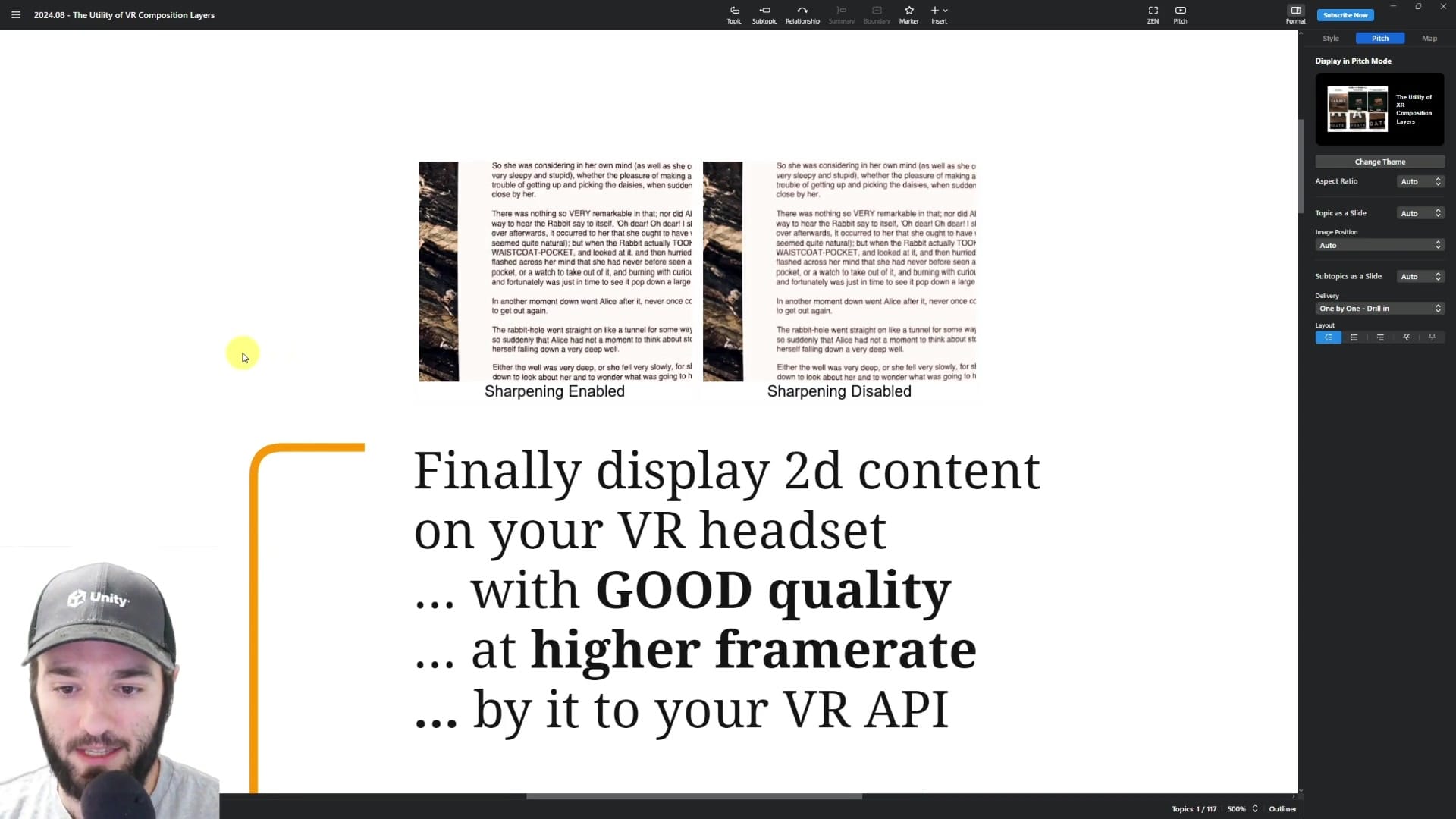
Two immediate wins:
- 2D content looks better (crisper text, less garbage when you downscale).
- You can keep UI/video stable even when the 3D scene is under pressure.
But you do not get this for free. Layering has real cost and real rules.
Overlays sit on top of the eye buffer. Underlays are behind it, and they are typically more expensive (overdraw + bandwidth).
Also: depth testing is not automatic. If you want proper intersections, you need to submit the depth buffer (depth submission). That increases bandwidth, so you only enable it when you actually need it.
One brutal reality check: what you see in the editor is not what you get on device. Preview is not truth. You validate on Quest.
Fastest practical entry point (Quest): create an empty GameObject and add OVR Overlay. Position it. Then test on device.
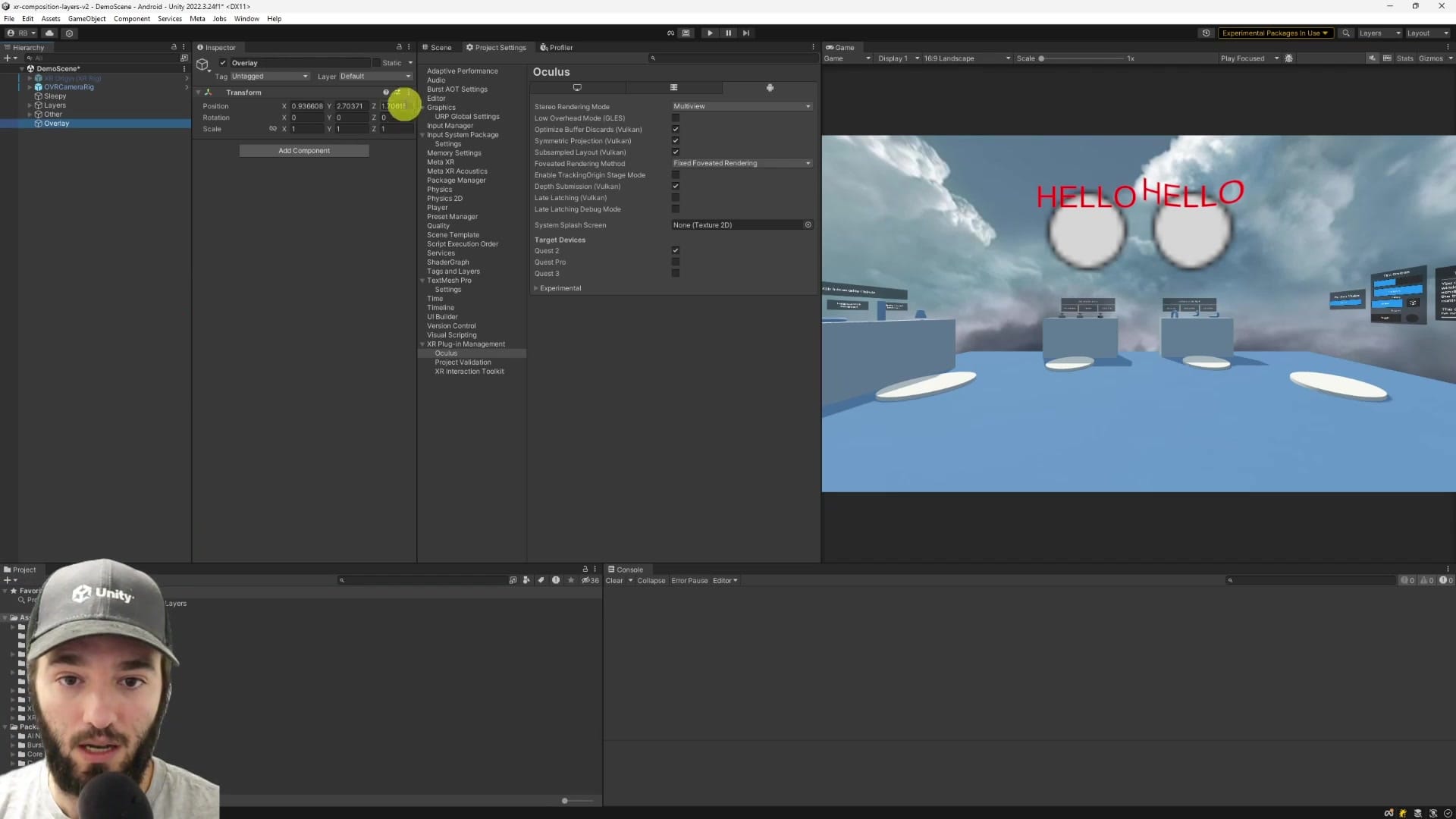
Scaling trick most people miss: you can reuse one render texture and carve it up using the source texture rectangle so you do not need one render texture per UI element.
And yes, you should think about cost: OVR docs + real measurements put the baseline around ~0.1 ms per layer, and a full-screen layer can be around ~0.6 ms. Spam layers and you just moved your bottleneck.
This page is a free preview. The members-only module below is the full step-by-step: OVR layer types (Quad/Cylinder/Equirect), depth submission tradeoffs, UI paths (canvas vs dynamic texture), and profiling + visualization with adb logcat and the compositor layer debug views. It also covers where OpenXR/Unity XR composition layers are today (experimental, version-sensitive) so you do not waste a week on a dead-end.
CEO/Producer translation: this is how you ship VR UI/video/loading flows that stay readable and comfortable without paying max render cost 100% of the time.
Unlock the full members-only module and use composition layers where they actually pay off.
In this module:
- 1 - The Utility of XR Composition Layers
- 2. OVR Composition Layers
- 3. Profiling & Visualizing OVR Composition Layers
- 4. Finishing Thoughts
Join to unlock the full module, audio, and resources.