
If you are targeting 120Hz on Quest and you are hovering near missed-frame territory, you are playing with fire.
Application SpaceWarp is the "cheat" that can save you: pay for 60 FPS, display 120 FPS. That is not marketing. It is literally how it works.
Budget math (so you stop guessing): at 120Hz you get 8.3ms. With AppSW you can operate around 16.6ms because Meta synthesizes every other frame from the data you provide.
Reality check: AppSW is only as good as your motion vectors. Opaque objects need them. Transparent stuff does not get them. That is why transparency, particles, foliage, UI, water are the first things that start looking "off" if you try to brute-force this.
Start here (fastest setup path): use Unity 6 + URP if you can, make sure you are on Vulkan for Android, then enable Application SpaceWarp (Vulkan) in the Oculus/XR plugin settings.
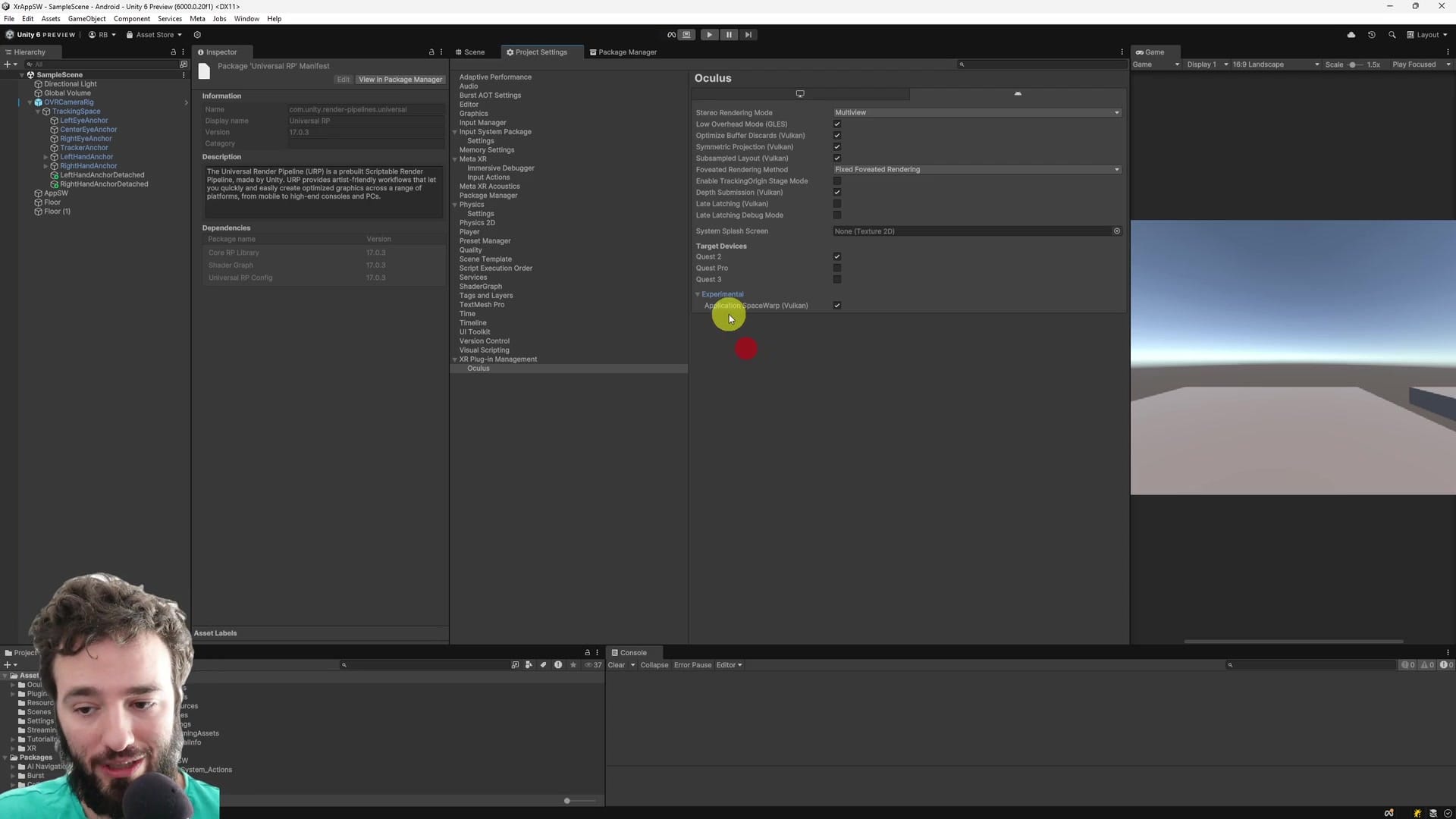
Turning it on at runtime is not a black box either: you can flip it with OVRManager.setSpaceWarp(true). You can also disable it on demand. That matters, because "always on" is not the correct strategy for every game.
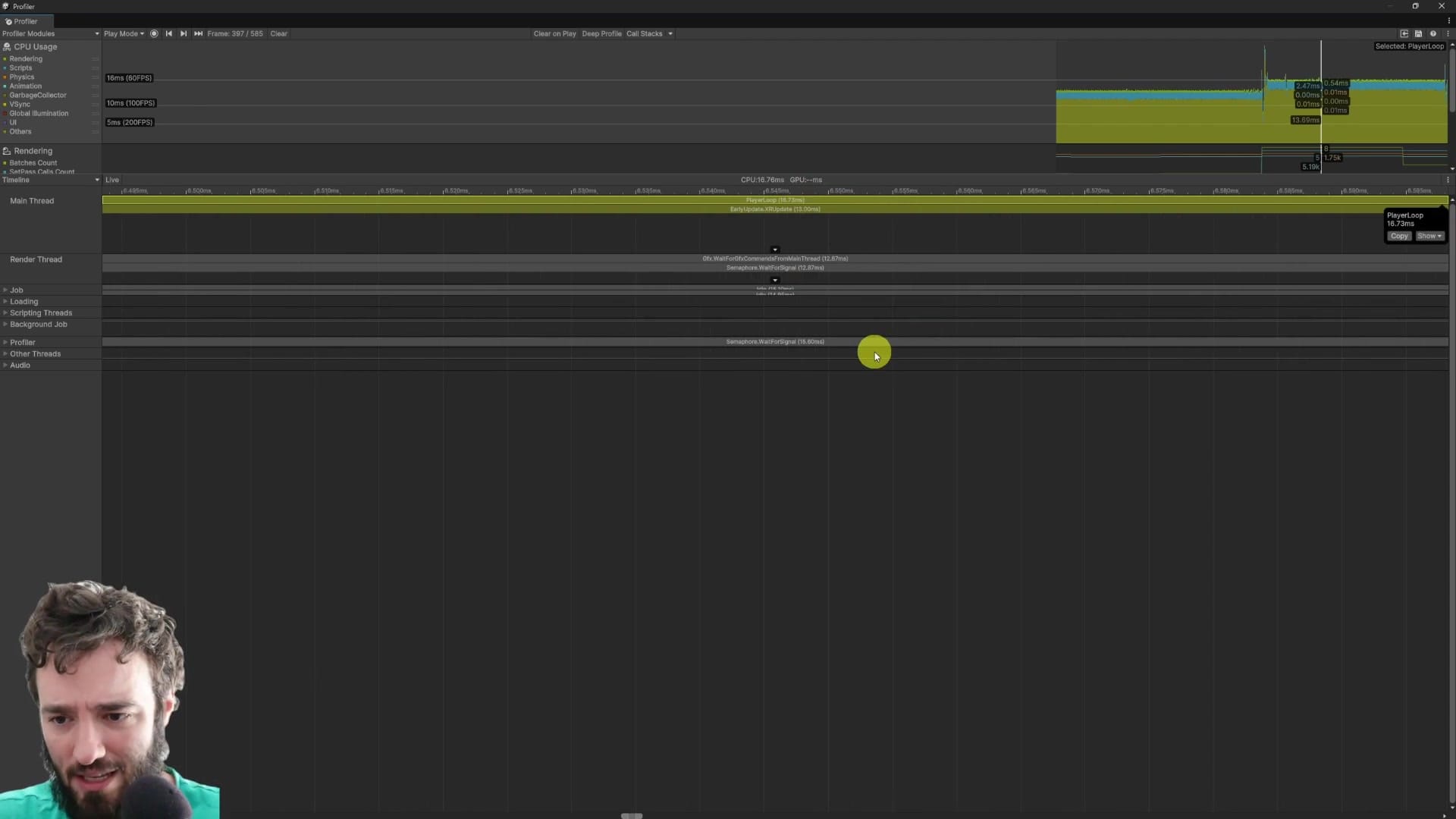
Now prove it is real (no placebo optimizations): capture a before/after in the Unity Profiler, then confirm in logcat that VRAPI is actually reporting rendering 60 / displaying 120. Finally, use OVR Metrics so you can see it live on device.
CEO/Producer translation: this can buy you a brutal amount of headroom late in production, but it is a risk trade. If the artifacts show up in your game, you are not shipping "free performance". You are shipping a visual problem.
This page is a preview. The complete step-by-step module is below for members only: requirements, verification workflow, the failure cases you will hit first, and the decision rules for when AppSW is worth the latency/artifact trade.
In this module:
- 1. Risk-Reward of AppSw - Intro
- 2. AppSw - Is It Really Doing Anything? Profile it!
- 3. Oh no, Issues! Help me Ruben!
Join to unlock the full module, audio, and resources.