
Motion vectors are the difference between “cheap upscaling” and ghosting soup. Turn on TAA / temporal upscaling / motion blur without understanding them and you ship smear, trails, and late-stage visual panic.
Motion vectors are simple: a per-pixel displacement from previous frame -> current frame, stored in screen space. Unity writes them into a render texture (usually framebuffer-sized): R = horizontal, G = vertical.
They exist because temporal techniques need to know where yesterday's pixels went: TAA, DLSS-style upscalers, and motion blur. In URP, Unity typically generates them automatically when you enable a feature that needs them, and stops when nothing asks for them because extra draw calls + extra bandwidth is not free.
Start here in Unity: if you want to force vectors on a camera, set camera.depthTextureMode |= DepthTextureMode.MotionVectors. In HDRP you also get project-level toggles for motion-vector generation for opaque and transparent objects.
Warning: transparent motion vectors can nuke your image. A fully transparent glass pane can overwrite the vectors behind it, turning “everything behind it” into zero vectors. Result: temporal effects look like garbage.
Prove you have good vectors before you touch any upscaler:
- Frame Debugger: look for Draw Motion Vectors and confirm the motion-vector render target is actually written.
- Rendering Debugger: Window -> Analysis -> Rendering Debugger then Map Overlays -> Motion Vector (normalized).
- RenderDoc: inspect the motion-vector texture channels (R/G) and validate the pass is not just “black” due to auto-range/visualization.
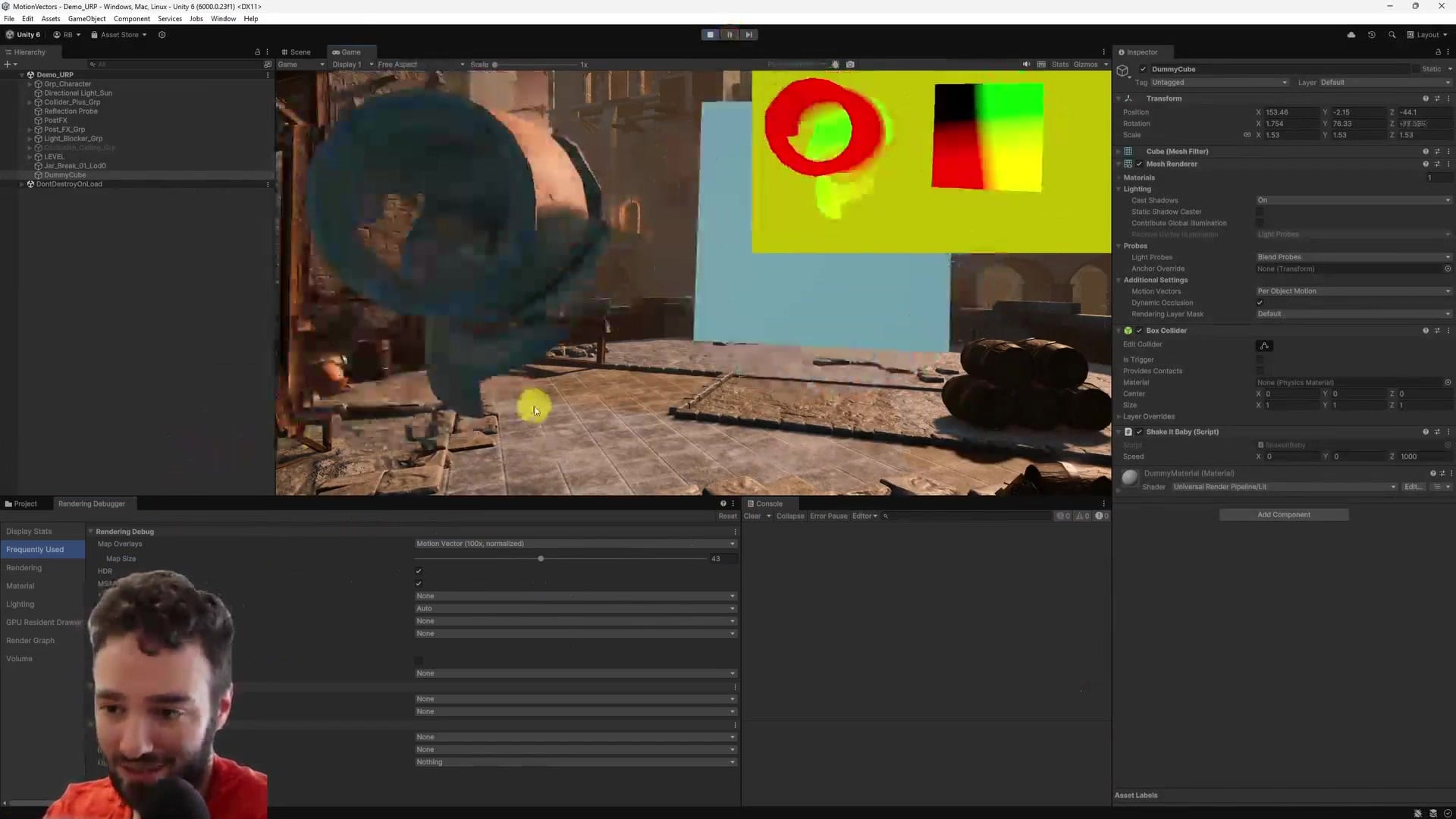
Now the part people mess up: per-renderer motion-vector mode. Unity gives you Force No Motion, Camera Motion Only, and Per Object Motion.
Use Camera Motion Only only for objects that are truly static in the final pixels. Not just “transform static”. Shaders can move vertices over time, clip fragments, or do other nonsense that makes pixels move even when the Transform never changes.
If you lie and mark animated stuff as camera-only, your temporal algorithms will ghost. If you set everything per-object, you will pay for it in more motion-vector draw calls.
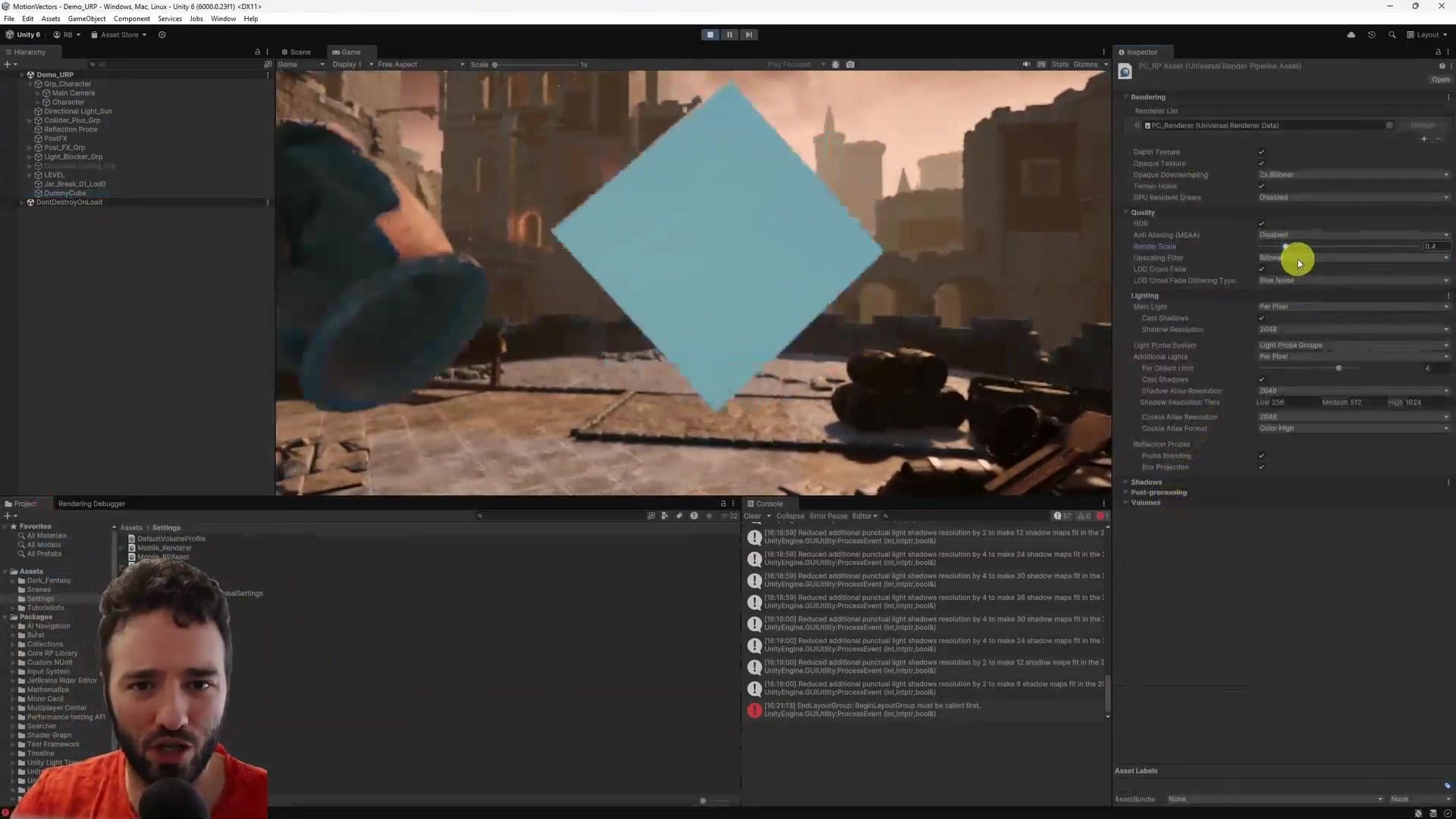
This is where the win is: drop render resolution and let temporal reconstruction do its job. In URP you can push Render Scale down (I demo 0.4 and even 0.3) and switch the Upscaling Filter to Spatial-Temporal. It can look shockingly OK. But only if your vectors are solid.
CEO/Producer translation: motion vectors are a small tax that unlocks a bigger budget. You can trade GPU pixels for stable image quality instead of brute-forcing native resolution.
This page is a preview. The complete step-by-step members-only module is below: exact Unity clicks, the validation passes, and the failure cases (transparent vectors, pop-in, and the classic “TAA sucks” self-own).
In this module:
Join to unlock the full module, audio, and resources.