
Your UI can become a silent bottleneck long before gameplay code does. Menus hitch, inventories lag, and the player blames the game even when the real problem is draw-call fragmentation and overdraw.
UI Toolkit gives you a cleaner way out. You stop leaning on giant canvas hierarchies and start using UXML, USS, visual elements, batching, vertex budgets, and dynamic atlases that behave like an actual performance system instead of a pile of UI glue.
The proof is here. One reproducible case in the module matches vertex budget to real usage and drops draw calls from 4 to 1. Another shows how bad stencil nesting can blow up the batch count, and how mask-container pulls that back down. The hard limit is still there too: the batch keeps up to 8 textures before Unity has to split it.
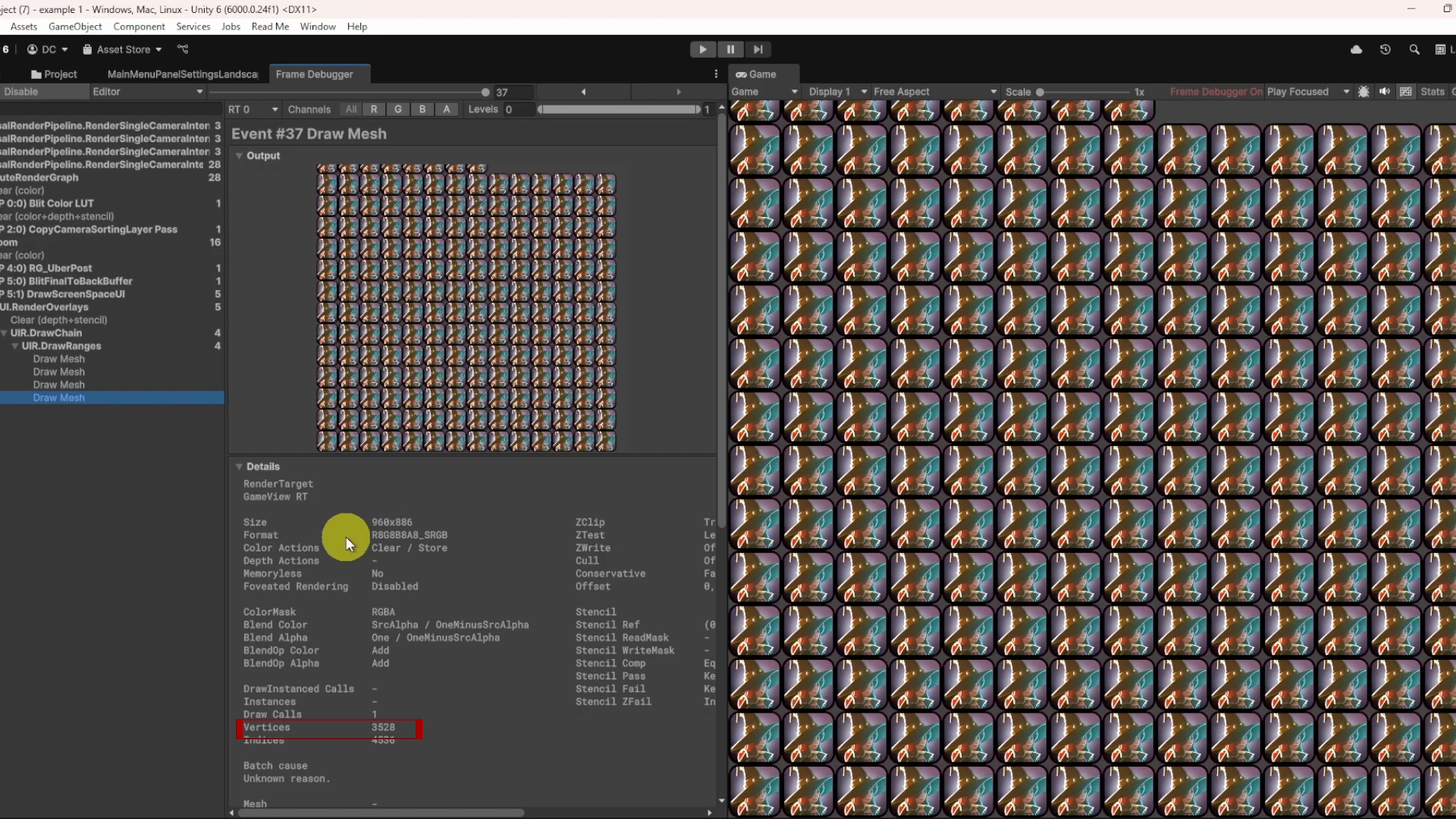
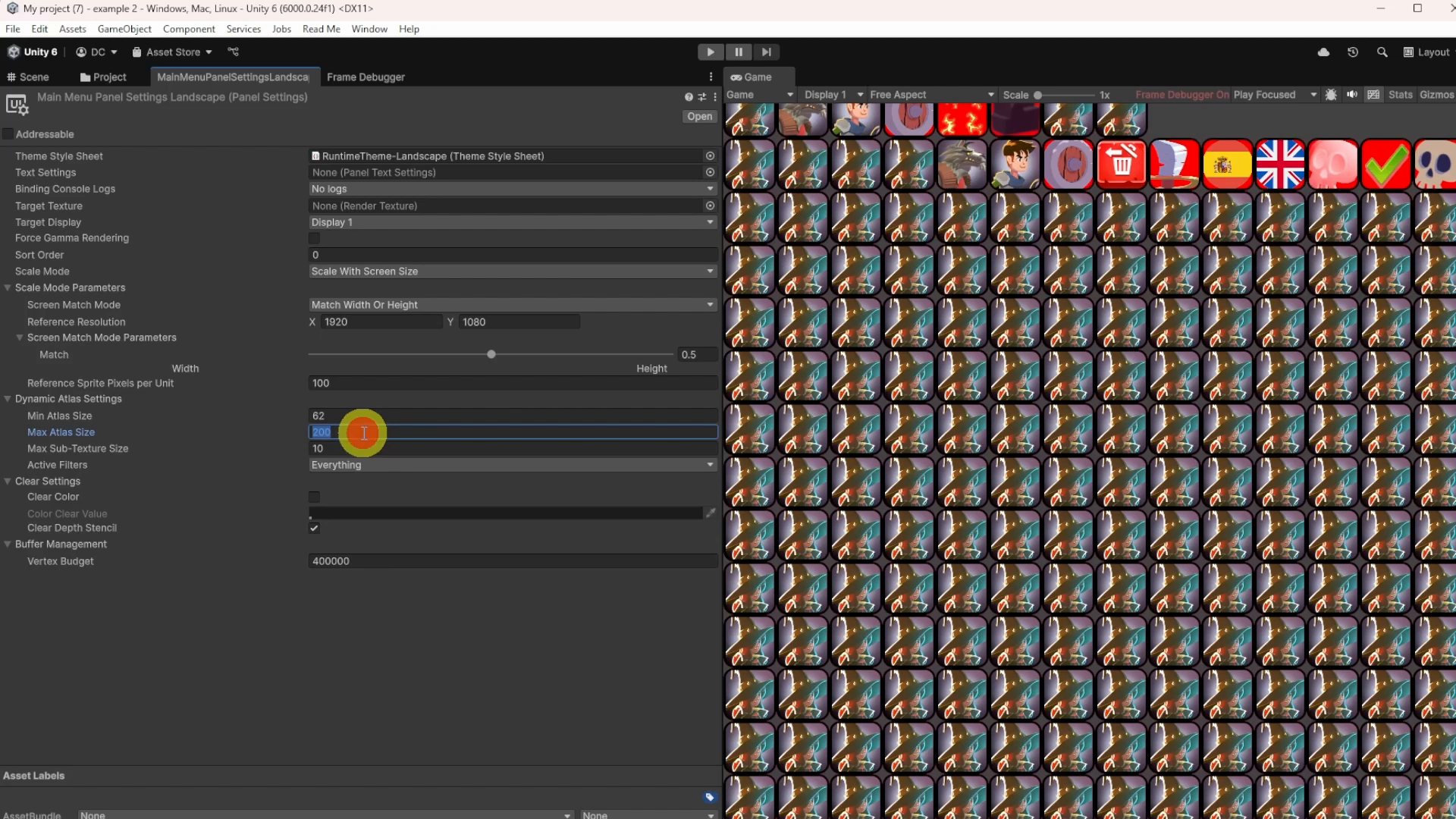
Start here: profile one heavy menu or inventory screen, then check the Frame Debugger and UI Toolkit Debugger. If the vertex budget is too small, fix that first. If the atlas is too small, fix that next. Do not guess. Measure what the screen is actually doing.
Do not treat UI Toolkit as “just a nicer UI system.” The module shows where style changes, masking, layout churn, and data binding can still burn CPU. That is the part teams miss when they assume the newer stack is automatically cheap.
UI Toolkit is the right first move when you want a more modular UI stack, lower overhead, runtime binding, and a path that scales better across menus, inventory screens, and settings panels. It is not a free pass. You still need to pick the right activation pattern, atlas size, and masking approach.
CEO/Producer translation: you stop losing frame time to UI friction and make menus feel responsive enough that players do not notice the engine underneath.
The members-only module is the full step-by-step module: batching rules, vertex budget tradeoffs, dynamic atlasing, advanced masking, animation cost, runtime binding, and the profiling workflow you need to keep the UI fast under real load.
In this module:
- 1. Introduction to UI Toolkit and Performance
- 2. Batching Basics
- 3. Texture Atlasing
- 4. Memory Management, Profiling, and the Future of UI Toolkit
- 5. Advanced Masking and Animation
- 6. Data Binding, Element Activation, and Overdraw
Join to unlock the full module, audio, and resources.